Connecting to a Network
Your switcher will now ask to be power cycled. Press 'set' to confirm the change and then
power cycle your switcher.
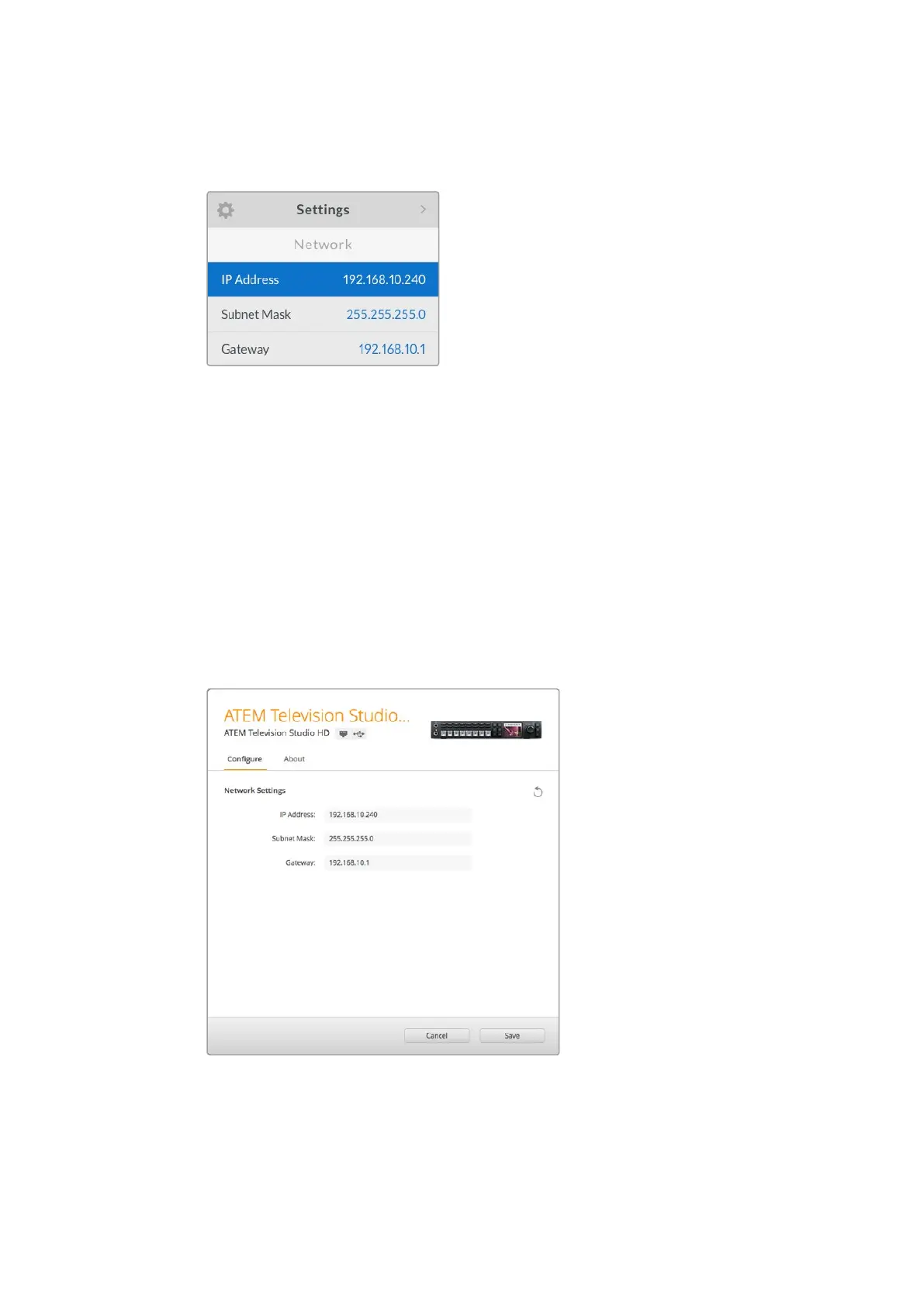
Network settings can be changed
using the LCD menu
To change the network settings via Blackmagic ATEM Setup:
1 Connect the switcher via USB to the computer running the setup utility software.
2 Launch Blackmagic ATEM Setup and select your switcher or broadcast panel.
3 The switcher’s current IP address, subnet mask and gateway settings will be displayed
in ‘configure’ window. If you only want to check the IP address and not change it,
youcan simply quit the setup utility by clicking ‘cancel’.
4 To change the IP address or any other settings, simply edit the numbers and then
click ‘save’.
5 A dialog box will prompt you to power cycle your ATEM switcher. Turn the switcher’s
power off, turn it back on and then close the dialog box.
Change network settings using the ‘configure’
tab in Blackmagic ATEM Setup.
24










 To Next Page