Connecting to a Network
Changing Network Settings on ATEM 1 M/E Advanced Panel
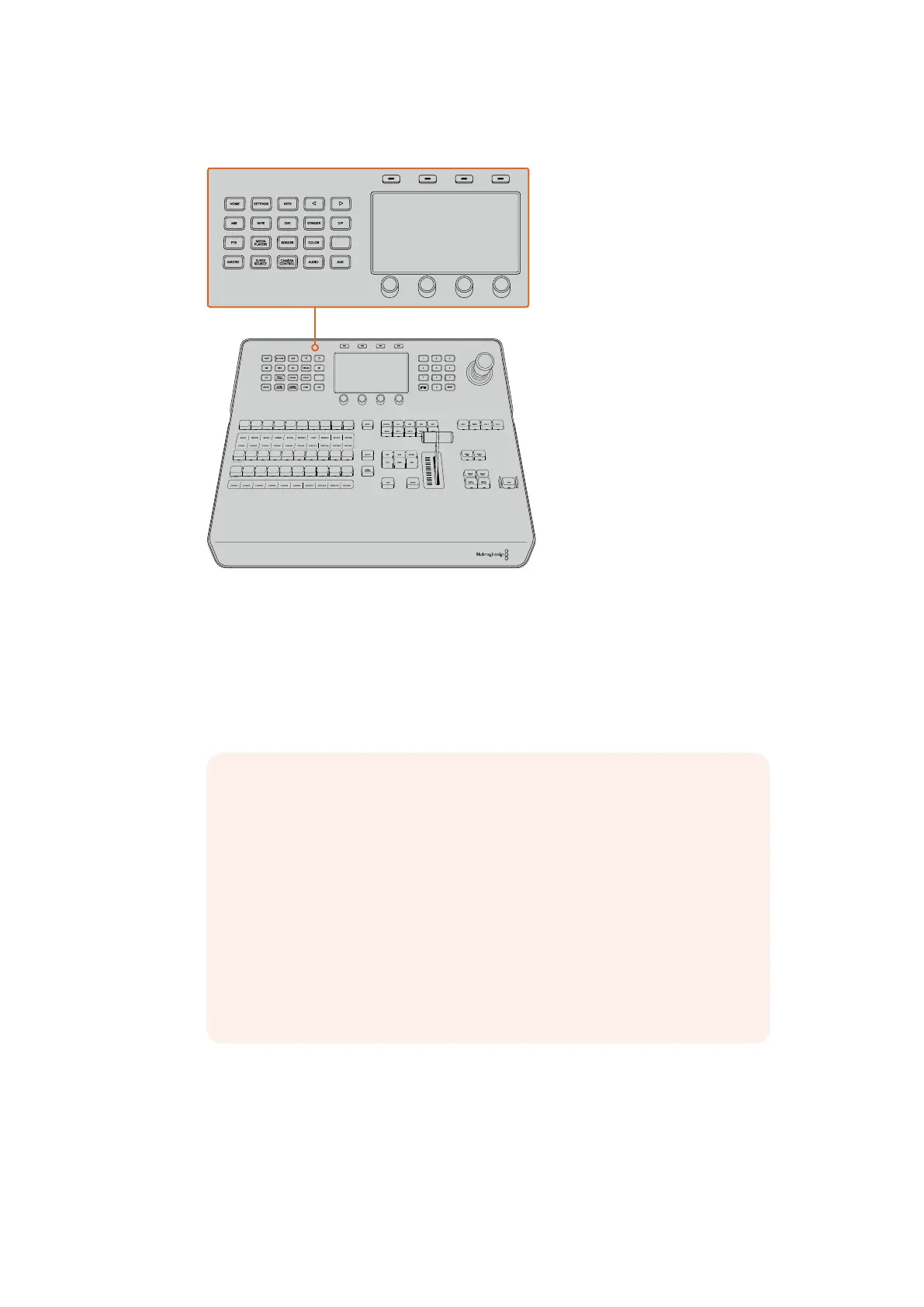
Change network settings using the system control buttons and LCD soft controls
1 Press the ‘home’ button in the system control buttons to open the LCD home menu.
2 In the home menu, press the ‘network’ soft button to open the network settings.
3 The next step is to decide if you want the panel to use a fixed IP address or to be
automatically assigned an IP address from a DHCP server. Set DHCP on or off by
pressing the corresponding DHCP ON/OFF soft button.
4 If you have elected to use a fixed IP address, you now need to set this IP address by
adjusting the corresponding soft control knobs for each field of the IP address.
You can also use the numeric keypad. Changing this IP address may cause the panel
to lose communication.
HOME
MIX
FTB
MACRO
SETTINGS
WIPE
MEDIA
PLAYERS
SUPER
SOURCE
KEYS
DVE
BORDER
CAMERA
CONTROL
STINGER
COLOR
AUDIO
DIP
AUX
1
4
7
ENTER
2
5
8
0
3
6
9
RESET
SHIFT MACRO
BKGD
KEY 1
KEY 2
KEY 4
KEY 3
ON
ON
ON
ON M/E 1 M/E 2
M/E 3
M/E 4
SHIFT DIP
DVE
STING
DSK 1
TIE
DSK 2
TIE
DSK 1
CUT
DSK 2
CUT
DSK 1
AUTO
DSK 2
AUTO
FTB
MIX
CUT
AUTO
WIPE
ARM
PREV
TRANS
HOME
MIX
FTB
MACRO
SETTINGS
WIPE
MEDIA
PLAYERS
SUPER
SOURCE
KEYS
DVE
BORDER
CAMERA
CONTROL
STINGER
COLOR
AUDIO
DIP
AUX
1
4
7
ENTER
2
5
8
0
3
6
9
RESET
SHIFT MACRO
BKGD
KEY 1
KEY 2
KEY 4
KEY 3
ON
ON
ON
ON M/E 1 M/E 2
M/E 3
M/E 4
SHIFT DIP
DVE
STING
DSK 1
TIE
DSK 2
TIE
DSK 1
CUT
DSK 2
CUT
DSK 1
AUTO
DSK 2
AUTO
FTB
MIX
CUT
AUTO
WIPE
ARM
PREV
TRANS
NOTE If you’re connecting direct to a switcher without a network, then you
won’t have a DHCP server to assign an IP address automatically, so you will
want to select ‘DHCP off’. ATEM 1 M/E Advanced Panel is delivered with a fixed
IP address set to 192.168.10.10 for a direct connection.
However, if your network has lots of computers that automatically assign IP
addresses via DHCP, then you can also select ‘DHCP on’ so the panel can get
its network information automatically. This is possible on the panel, and it’s only
the switcher itself that always requires a fixed IP, as the switcher needs to be
found by the control panels at a known fixed address on your network.
If you select ‘DHCP on’, your network settings will be complete because the
panel network settings will be obtained from the network automatically.
27










 To Next Page