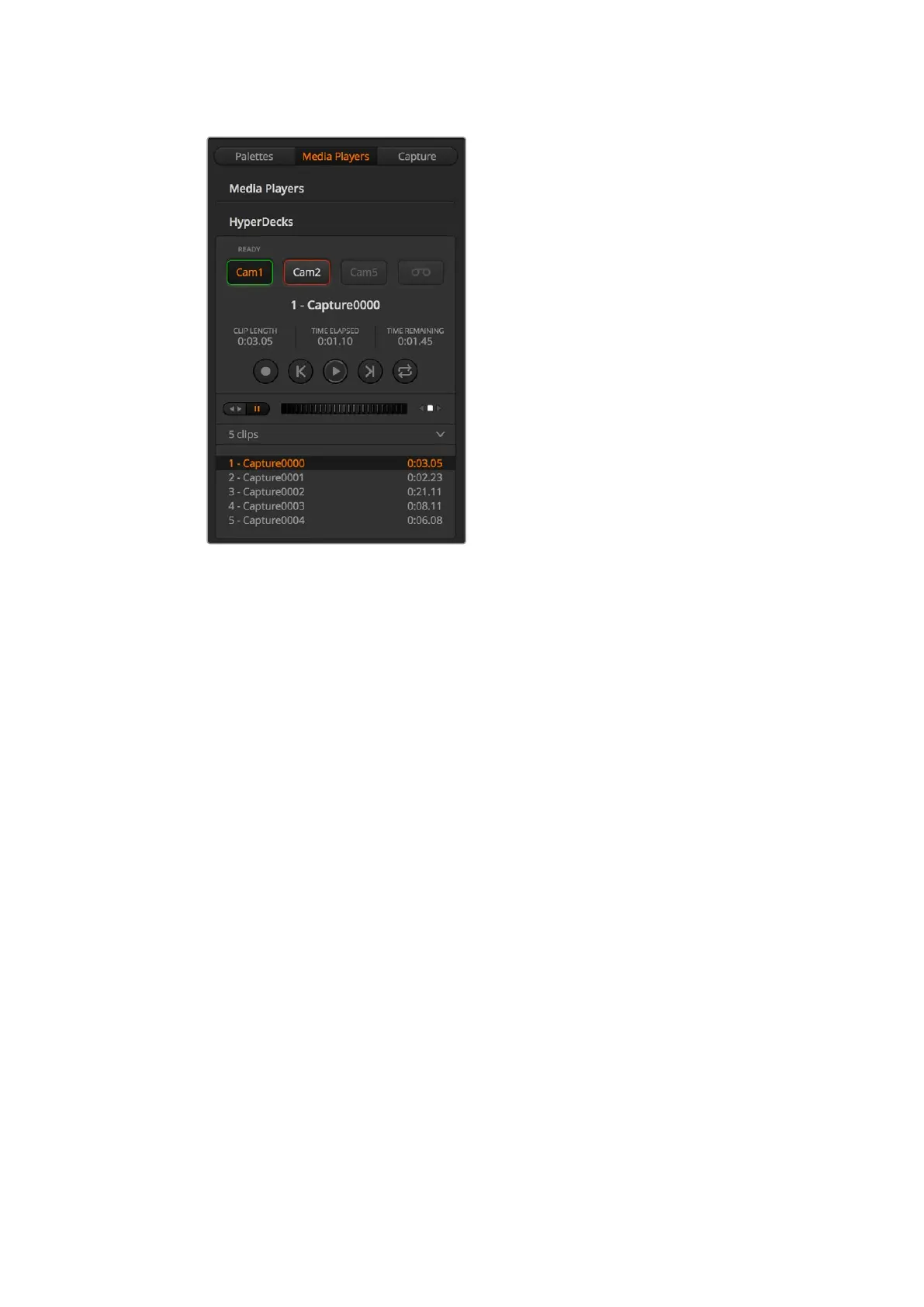
HyperDeck Control
Choose from up to four HyperDecks by clicking
their selection buttons in the HyperDecks palette
In addition to the text color, each HyperDeck’s selection button also has a tally indicator.
Green Outline
Indicates a HyperDeck that is currently switched to the preview output.
Red Outline
Indicates a HyperDeck that is currently switched to the program output, meaning it is
currently live to air.
You may also see one of the following status indicators above the selection buttons
for your HyperDecks.
Ready
HyperDeck is set to remote and a disk is inserted. It is ready for playback and recording
if space is available.
Record
HyperDeck is currently recording.
No Disk
HyperDeck has no disk inserted.
Local
HyperDeck is not set to ‘remote’ and cannot currently be controlled by your
ATEM switcher.
75










 To Next Page