f: Changing the Depth of Field
142
The aperture opening (diaphragm) changes only at the moment when the
picture is taken. Otherwise, the aperture remains fully open. Therefore, when
you look at the scene on the LCD monitor, the depth of field will look narrow.
You can check the depth of field with the procedure below.
1
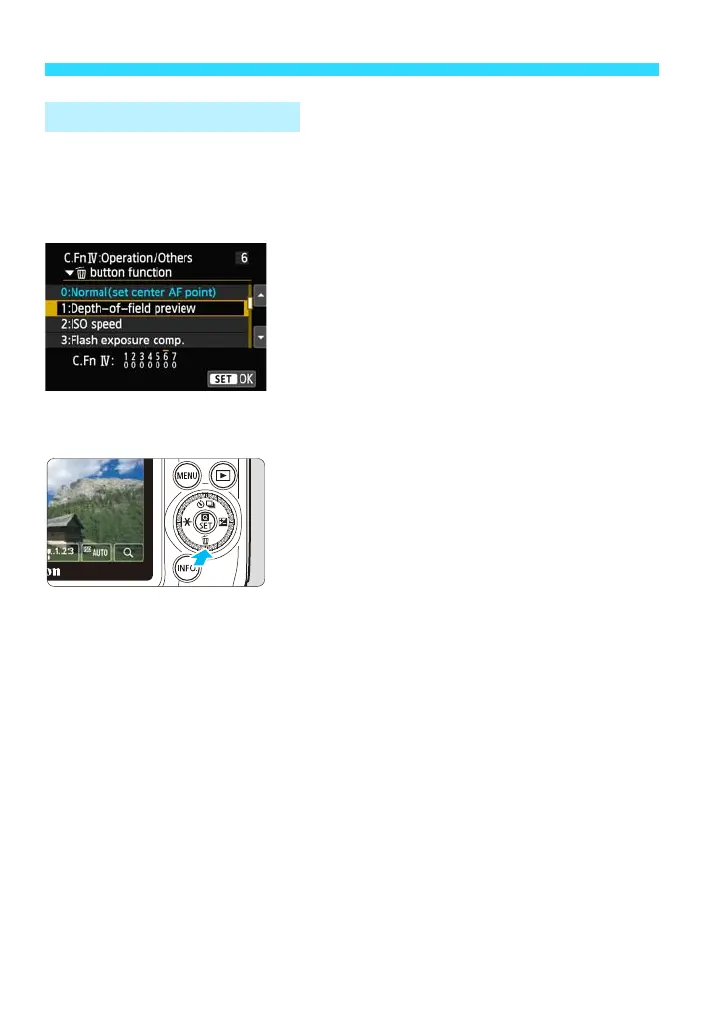
Enable depth-of-field preview.
Under [54: Custom Function (C.Fn)],
set [6: XL button function] to [1:
Depth-of-field preview] (p.291).
The Custom Function setting procedure
is explained on page 286.
2
Exit the menu.
3
Press the <XL> button.
You can check the depth of field.
Depth-of-Field Previeww















 To Next Page