80
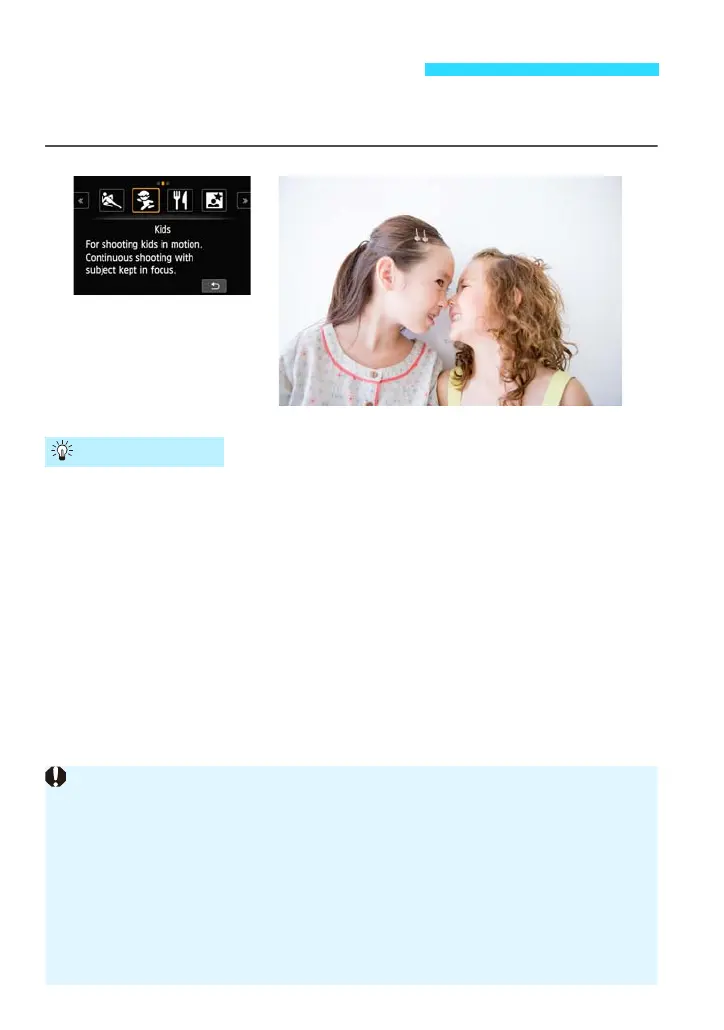
When you want to continuously focus and shoot children moving around, use
<C> (Kids). Skin tones will look healthy.
Shoot continuously.
When focus is achieved, the AF point will turn blue.
While the camera focuses, the beeper will sound. If focus cannot be
achieved, the AF point will turn orange.
When you want to take the picture, press the shutter button completely. If
you hold down the shutter button completely, the camera will shoot
continuously so you can capture the changing movement.
When using a lens with “STM” in its name, such as the EF-M18-55mm
f/3.5-5.6 IS STM, the camera can keep focusing and shooting
continuously. With other lenses, the focus will be locked for the second
and subsequent frames during continuous shooting.
C Shooting Children (Kids)
Shooting Tips
When using a lens with “STM” in its name, such as the EF-M18-55mm f/3.5-
5.6 IS STM, the continuous shooting speed becomes slower since the camera
keeps focusing and shooting continuously.
Setting the [AF method] to [FlexiZone - Single] is recommended.
Depending on the shooting conditions, it may take a moment until the shutter
is released.
When [FlexiZone - Multi] is set, press the shutter button halfway to fix the AF
points.
When [u (face)+Tracking] is set, the AF point is fixed during continuous
shooting.















 To Next Page