50
You can directly select and set the shooting functions displayed on the LCD
monitor. This is called Quick Control.
There are two types of Quick Control screens: Q Quick Control and B
Quick Control.
Hereafter, “Quick Control” refers to Q Quick Control.
With Q Quick Control, you can set functions while looking at the shooting
screen.
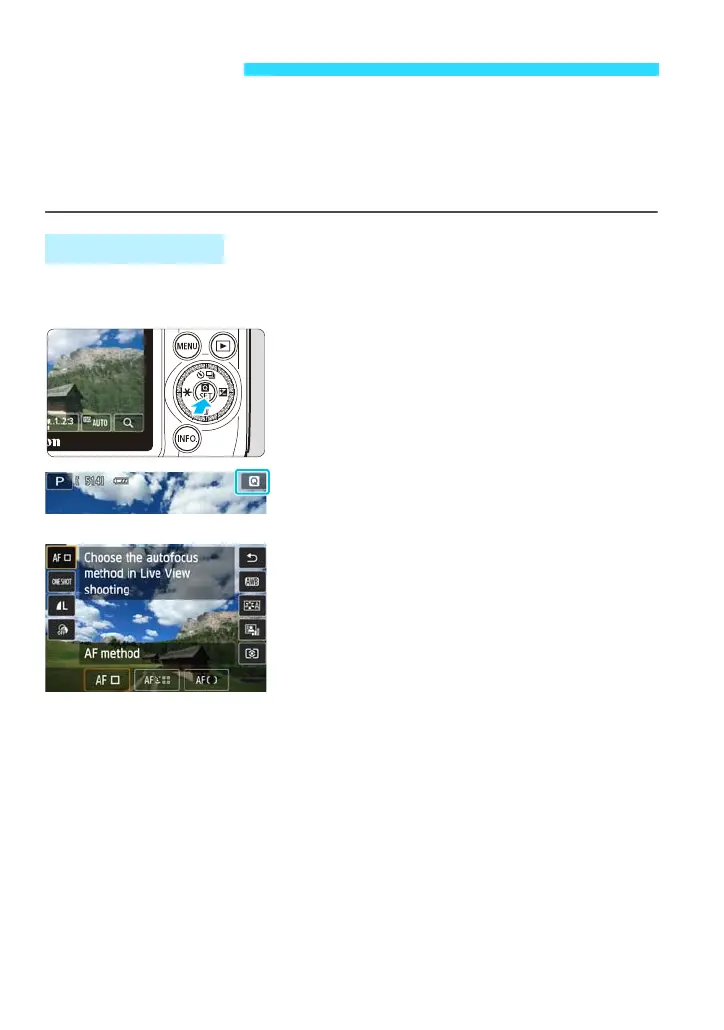
1
Display the Q Quick Control screen
(7).
Press the <Q> button.
You can also display the Quick Control
screen by tapping [Q] on the upper right
of the screen.
2
Select the desired function.
Tap the function to be set.
The selected function and Feature guide
will appear.
Quick Control
Q Quick Control















 To Next Page