157
3 Setting Noise Reductiont
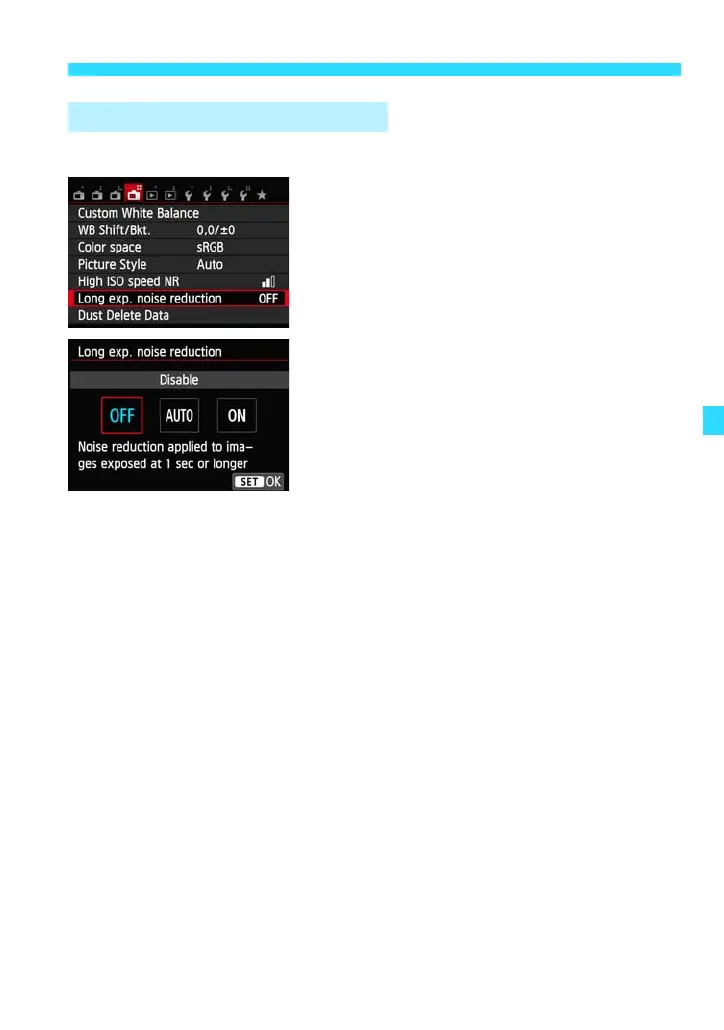
You can reduce noise in long exposures.
1
Select [Long exp. noise reduction].
Under the [A4] tab, select [Long exp.
noise reduction], then press <0>.
2
Set the desired setting.
Select the desired setting, then press
<0>.
The setting screen closes and the menu
will reappear.
[Auto]
For exposures of 1 sec. or longer, noise reduction is performed
automatically if noise typical of long exposures is detected. This [Auto]
setting is effective in most cases.
[Enable]
Noise reduction is performed for all exposures of 1 sec. or longer. The
[Enable] setting may be able to reduce noise that otherwise cannot be
detected with the [Auto] setting.
3
Take the picture.
The image applied with noise reduction is
recorded.
Long Exposure Noise Reduction















 To Next Page