77
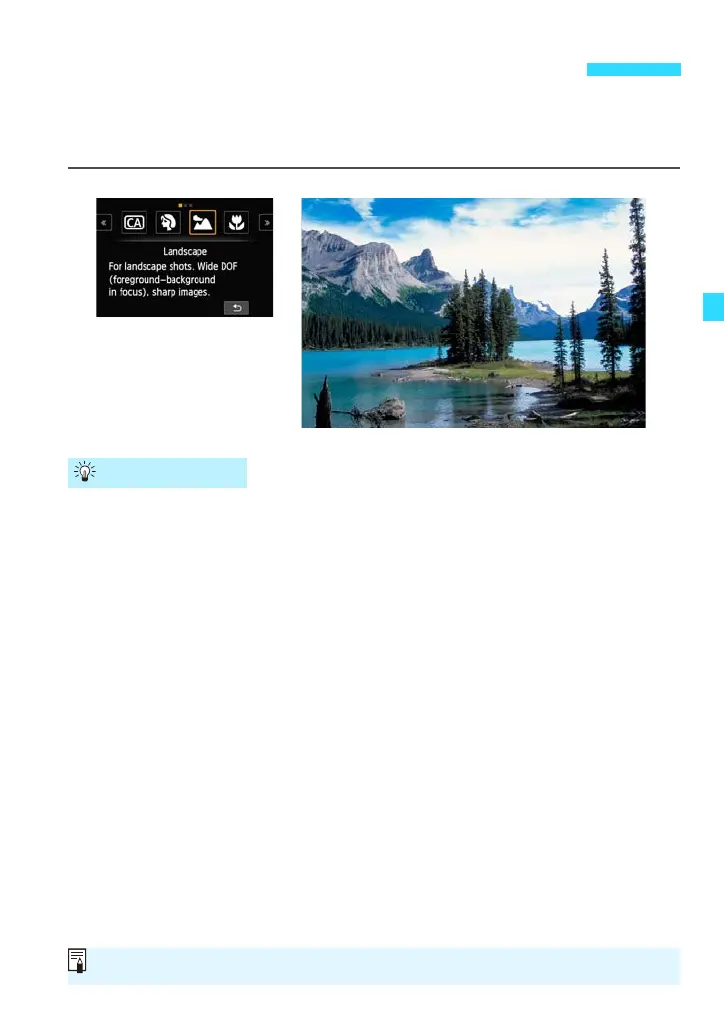
Use the <3> (Landscape) mode for wide scenes when you want everything
to be in focus from near to far. For vivid blues and greens, and very sharp and
crisp images.
With a zoom lens, use the wide-angle end.
When using the wide-angle end of a zoom lens, objects near and far will
be in focus better than at the telephoto end. It also adds breadth to
landscapes.
Shooting night scenes.
Use a tripod to prevent camera shake.
3 Shooting Landscapes (Landscape)
Shooting Tips
With <3>, the flash does not fire even if the Speedlite 90EX is attached.















 To Next Page