82
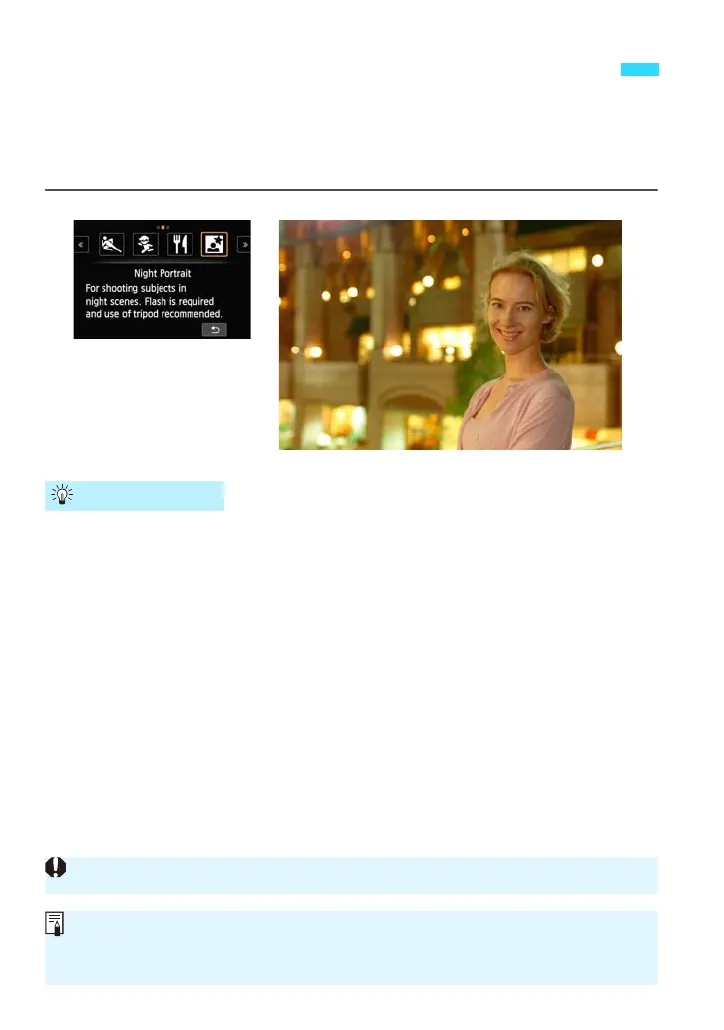
To shoot people at night and obtain a natural-looking night scene in the
background, use the <6> (Night Portrait) mode. A flash is required for
shooting.
Using a tripod is also recommended.
Use a wide-angle lens and a tripod.
When using a zoom lens, use the wide-angle end to obtain a wide night
view. Also, use a tripod to prevent camera shake.
Check the subject’s brightness.
When the Speedlite 90EX’s power is <1>, the flash will fire
automatically under low-light conditions to obtain a nice portrait. It is
recommended to play back the image after the shooting to check the
image brightness. If the subject looks dark, move nearer and shoot again.
6 Shooting Night Portraits (With a Tripod)
Shooting Tips
See the cautions on page 85.
Tell the subject to keep still even after the flash fires.
If you use the self-timer together with flash, the self-timer lamp will light up
briefly after the picture is taken.















 To Next Page