B: Matching the Light Sourcet
170
5
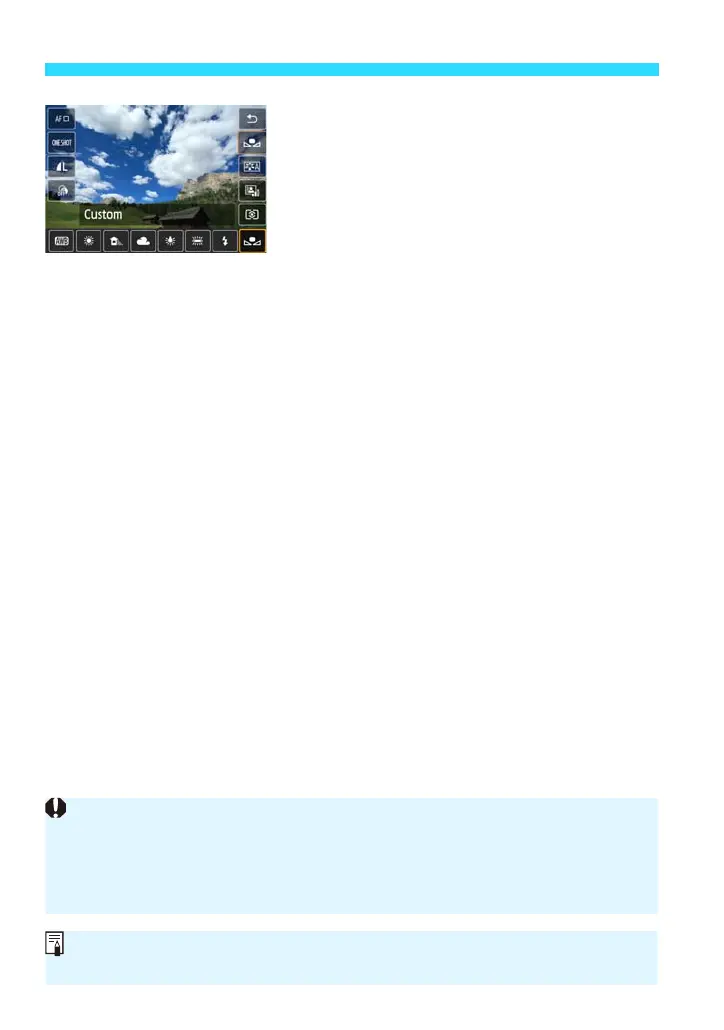
Select [O].
Tap the white balance.
Tap [O] (Custom) to select it, then tap
[2].
If the exposure obtained in step 1 differs greatly from the standard exposure,
a correct white balance may not be obtained.
In step 3, the following images cannot be selected: images captured while the
Picture Style was set to [Monochrome] (p.107), images processed with a
Creative filter, and cropped images.
Instead of a white object, a gray chart or 18% gray reflector (commercially
available) can produce a more accurate white balance.















 To Next Page