148
Set exposure compensation if the exposure (without flash) does not come out
as desired. This feature can be used in the <d>, <s>, and <f> shooting
modes. You can set the exposure compensation up to ±3 stops in 1/3-stop
increments.
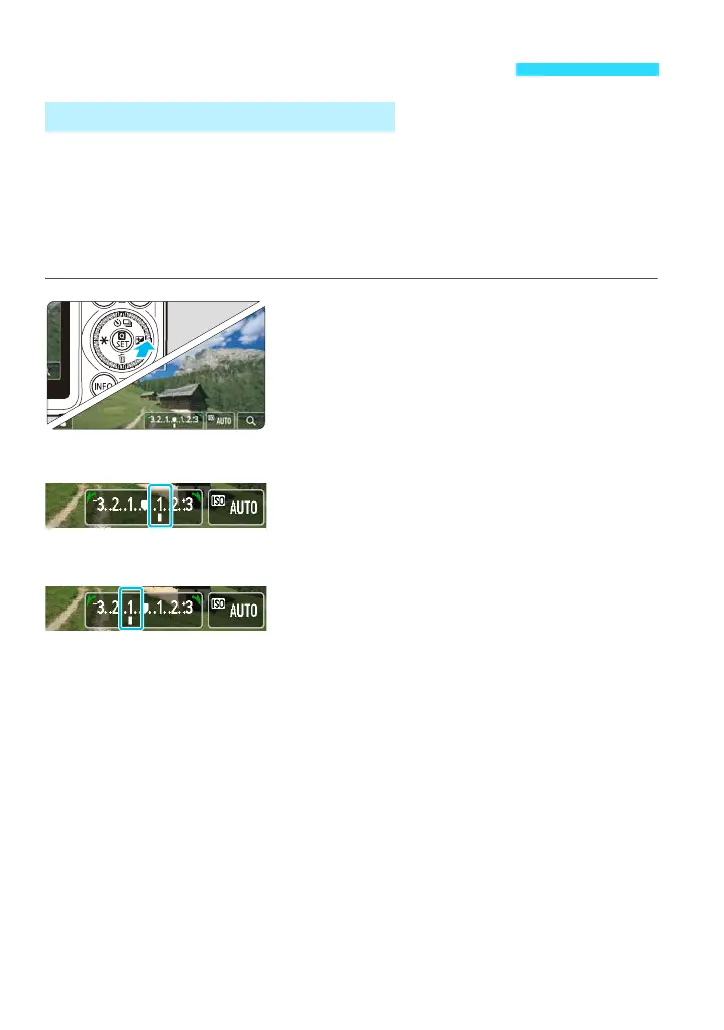
On the shooting screen, you can adjust the exposure compensation while
checking the results.
1
Press the <O> button.
<c> will appear on both sides of the
exposure level indicator.
You can also set by tapping the exposure
level.
2
Set the exposure compensation.
Turning the <5> dial to the right will
make the image brighter, and turning it to
the left will make the image darker. This
is exposure compensation.
3
Take the picture.
After deciding the image brightness, take
the picture.
Setting Exposure Compensationt
O Setting Exposure Compensation
Increased exposure for a
brighter image
Decreased exposure for a
darker image















 To Next Page