94
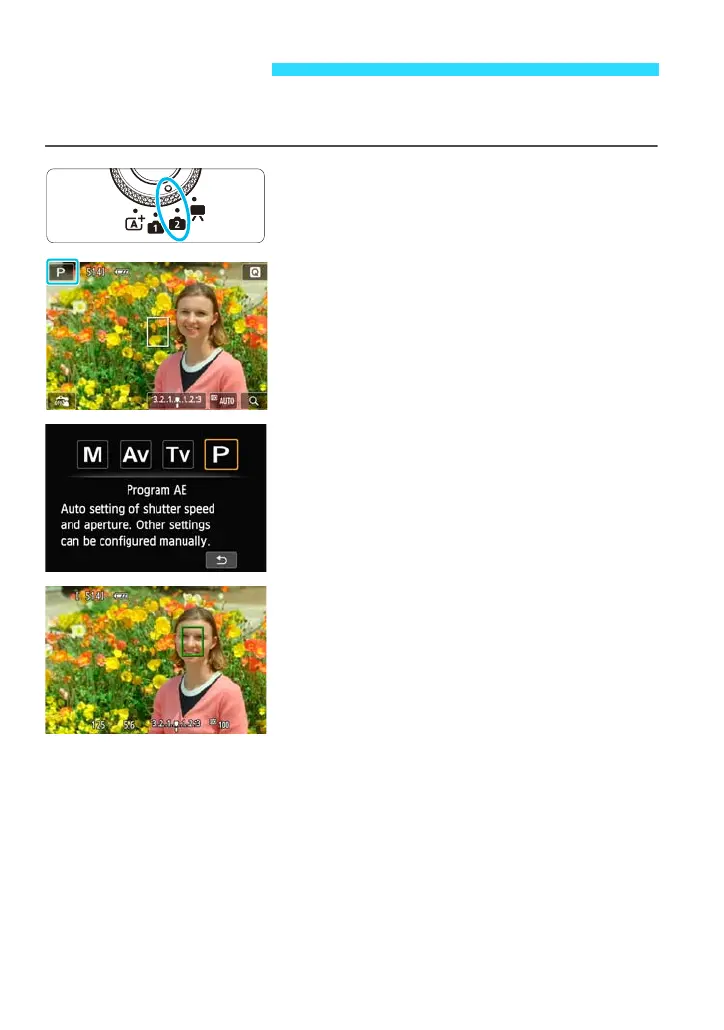
The camera automatically sets the shutter speed and aperture to suit the
subject’s brightness. This is called Program AE.
1
Set the Mode Dial to <w>.
2
Tap the shooting mode icon on the
screen’s upper left corner.
The shooting mode selection screen will
appear.
3
Tap the screen to select [d].
4
Focus the subject.
Aim the AF point over the subject. Then
press the shutter button halfway.
The AF point achieving focus will turn
green (in One-Shot AF mode).
The shutter speed and aperture will be
set automatically and displayed.
d: Program AE















 To Next Page