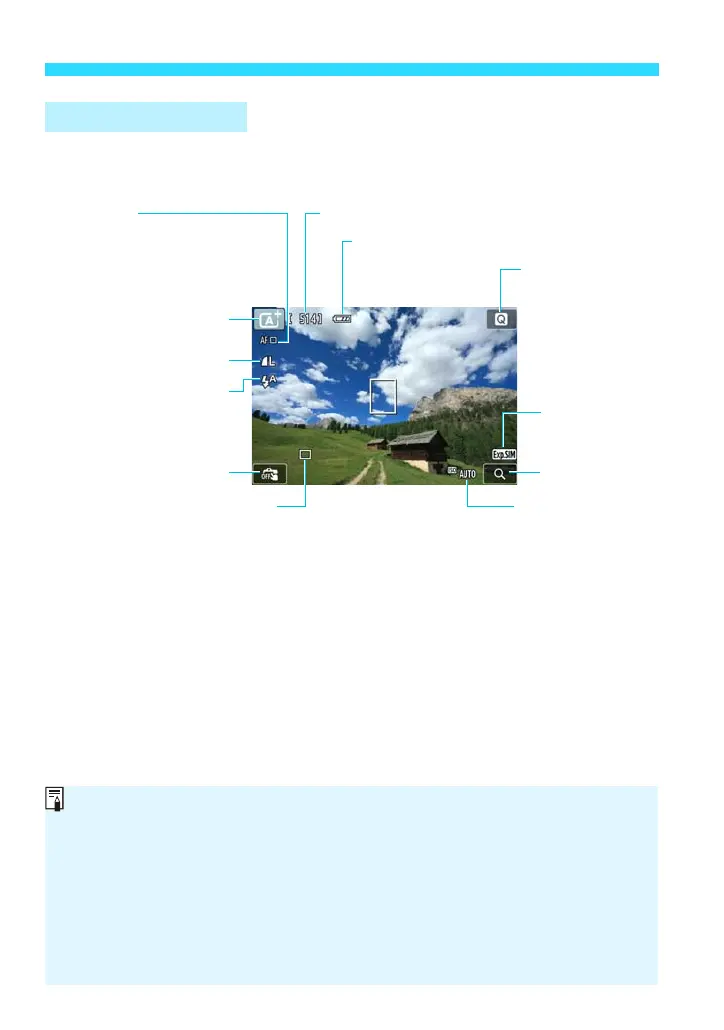
change.
When <g> is displayed in white, it indicates that the image brightness is
close to what the captured image will look like.
If <g> is blinking, it indicates that the image is not being displayed at the
suitable brightness due to low- or bright-light conditions. However, the actual
image recorded will reflect the exposure setting. Note that noise may be more
noticeable than the actual image recorded.
When [A1: zHistogram disp] is set to a setting other than [Disable], you
can press the <B> button to display the histogram. However, the
histogram will not be displayed while the shutter button is pressed completely.















 To Next Page