84
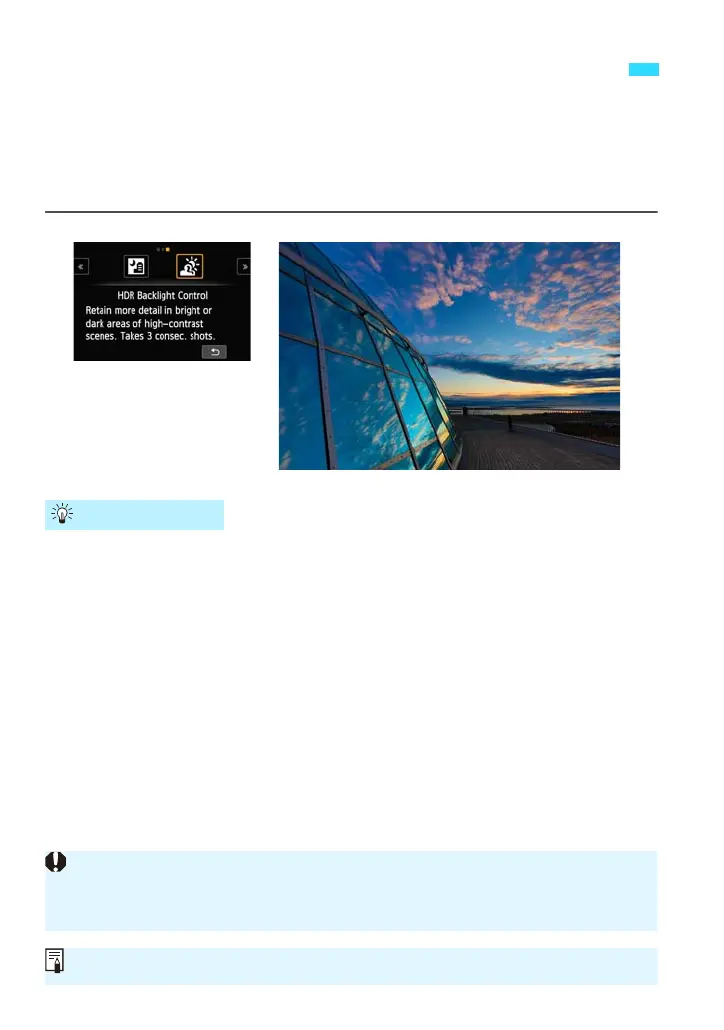
When shooting a scene having both bright and dark areas, use the <G>
(HDR Backlight Control) mode. When you take one picture in this mode,
three continuous shots are taken at different exposures. This results in one
image, with a wide tonal range, that has minimized the blocked-up shadows
caused by backlighting.
Hold the camera firmly.
While shooting, hold the camera firmly and steadily. In this mode, three
shots are aligned and merged into a single image. However, if there is
significant misalignment in any of the three shots due to camera shake,
they may not align properly in the final image.
G
Shooting Backlit Scenes (HDR Backlight Control)
Shooting Tips
Flash shooting is not possible. In low light, the AF-assist beam may be
emitted (p.112).
See the cautions on page 85.
HDR stands for High Dynamic Range.















 To Next Page