135
4
Advanced Shooting
This chapter builds on Chapter 3 and introduces more ways
to shoot creatively.
The first half of this chapter explains how to use the <s>,
<f>, and <a> modes.
All the functions explained in Chapter 3 can also be used in the
<s>, <f>, and <a> modes.
To see which functions can be used in each shooting mode, see
page 308.
The w mark shown on the right of the page title indicates that
the function is available only in Creative Zone modes (p.27).
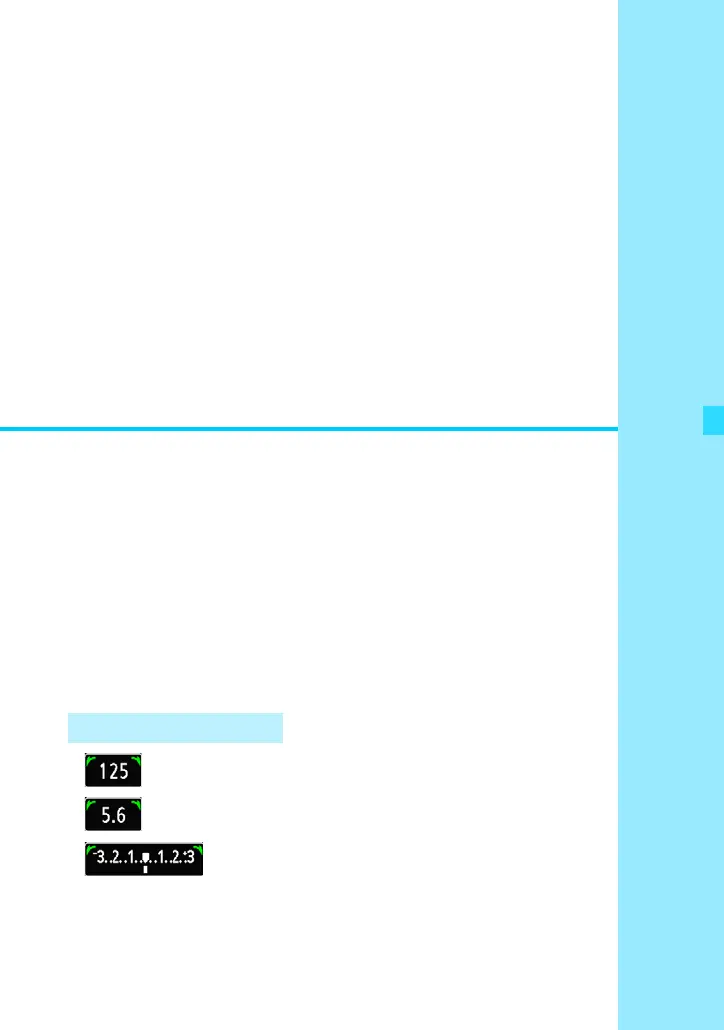
The pointer icon [c] displayed together
with the shutter speed, aperture setting, or
exposure compensation amount indicates
that you can turn the <5> dial to adjust the
respective setting.
c Main Dial Pointer










 To Next Page