63
2
Basic Shooting and
Image Playback
This chapter explains how to shoot with Scene Intelligent
Auto and Basic Zone modes and how to play back images.
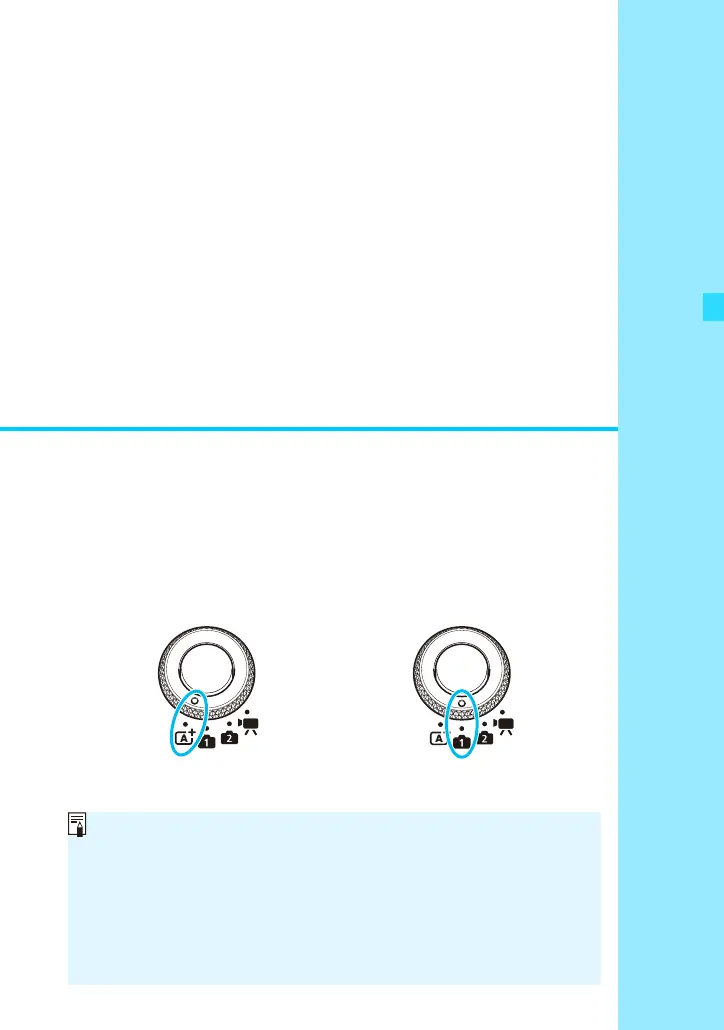
With <A>, you can shoot just by pressing the shutter button.
With <v>, you can also blur the background (p.74), change the
ambience (p.87), and match the lighting or scene (p.90).
Scene Intelligent Auto Basic Zone Modes
Checking the Shooting Mode Set for <v>
There are 10 Basic Zone modes (shooting modes). Select [A1:
Shooting mode] on the menu to check the current shooting mode
(p.55).
Flash Firing of Speedlite 90EX
If you use the Speedlite 90EX in a Basic Zone mode, the flash will
fire automatically depending on the shooting mode (p.86).















 To Next Page