149
Setting Exposure Compensationt
4
Cancel the exposure compensation.
Exposure compensation will not be
canceled even after turning off the power.
In steps 1 and 2, set the exposure level
mark [N] back to the center to cancel the
exposure compensation.
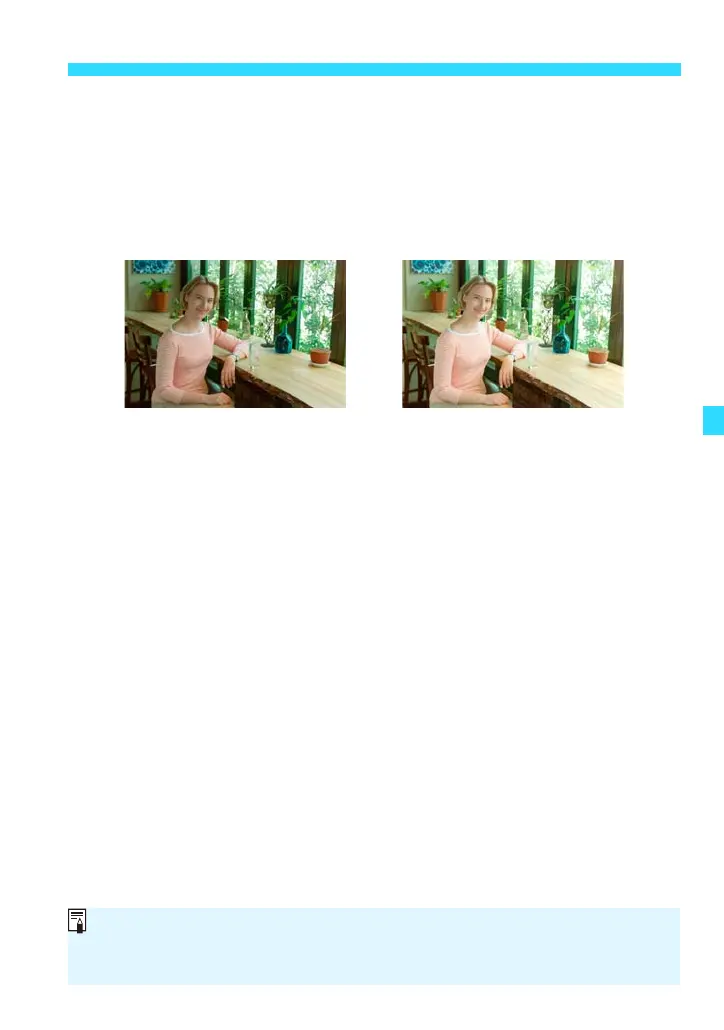
Dark exposure Increased exposure for
a brighter image
If you combine it with AEB (p.150), you can set it beyond ±3 stops. Set it with
[A3: Expo.comp./AEB] or the B Quick Control screen.
The exposure compensation can also be set with [A3: Expo.comp./AEB].















 To Next Page