201
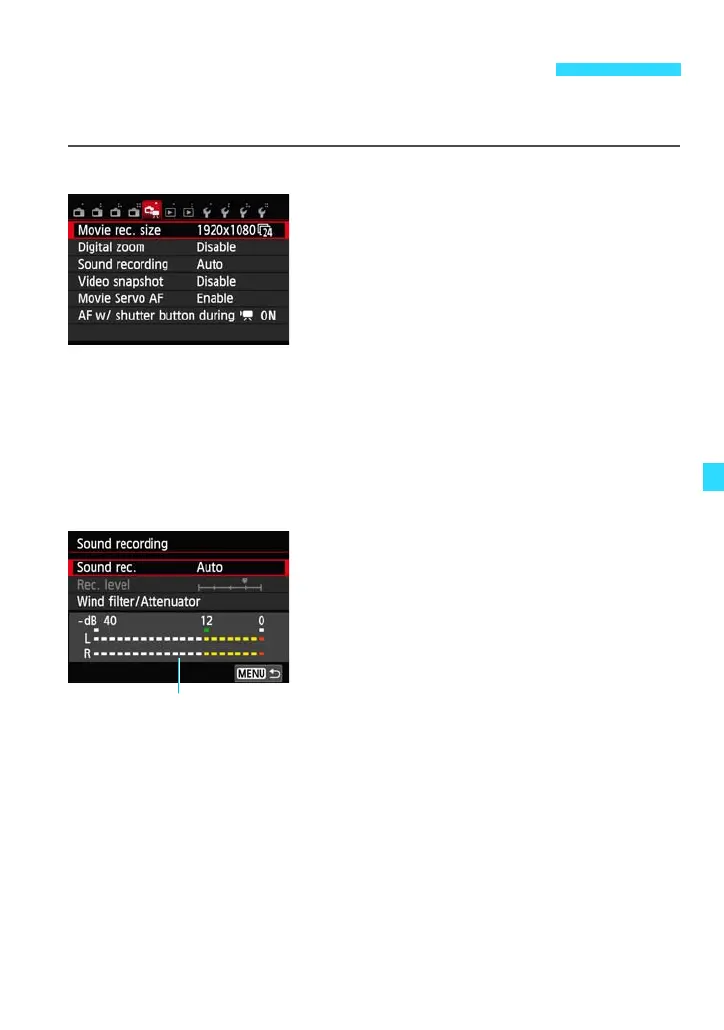
When you set the Mode Dial to <k>, the [Z1] tab will show functions
dedicated to movie shooting. The menu options are as follows.
[Z1] menu
Movie recording size
You can set the image size and frame rate. For details, see pages 185-
186.
Digital zoom
You can use digital zoom for shooting. For details, see pages 187-188.
Sound recording
Normally, the built-in microphone will record
stereo sound. If a commercially-available
microphone equipped with a mini plug (3.5
mm diameter) is connected to the camera’s
external microphone IN terminal (p.23), it
will be given priority.
3 Movie Menu Function Settings















 To Next Page