3 Shooting Video Snapshots
200
3
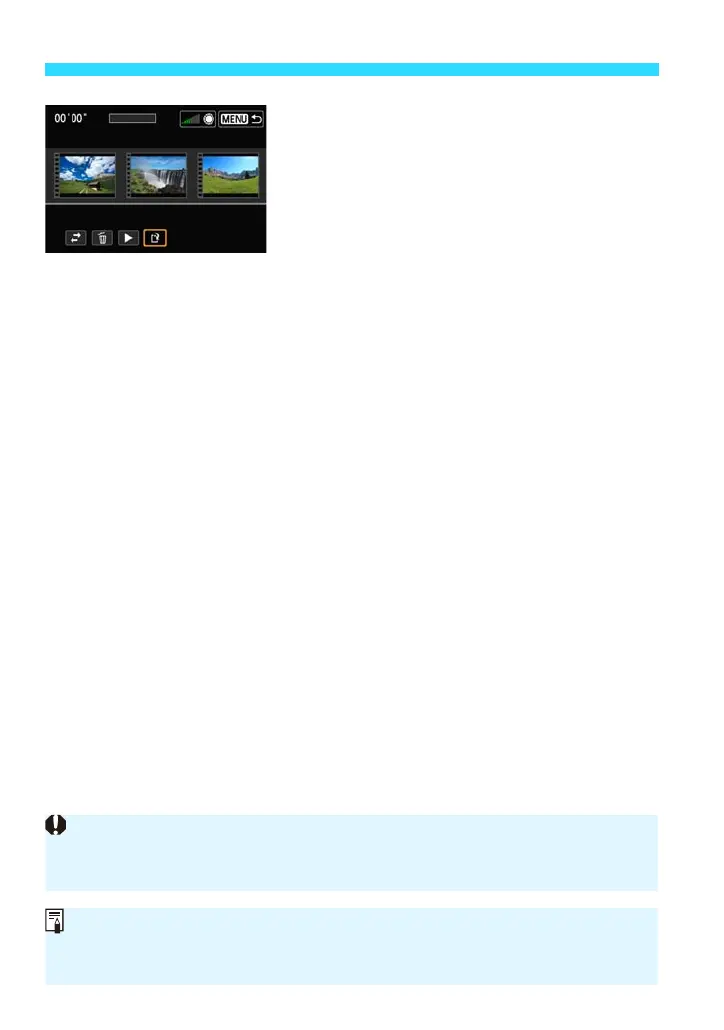
Save the edited album.
Press the <M> button to return to the
editing panel at the screen’s bottom.
Tap [W] (Save), or press the <Y> <Z>
keys to select [W] (Save) and press
<0>.
The save screen will appear.
To save it as a new file, select [New file].
To save it and overwrite the original
movie file, select [Overwrite], then press
<0>.
If the card does not have enough free space, [New file] will not be available.
When the battery level is low, editing albums is not possible. Use a fully-
charged battery.
EOS Software Usable with Albums
EOS Video Snapshot Task: Enables the editing of albums. This is a function
of ImageBrowser EX.















 To Next Page