217
Handy Features
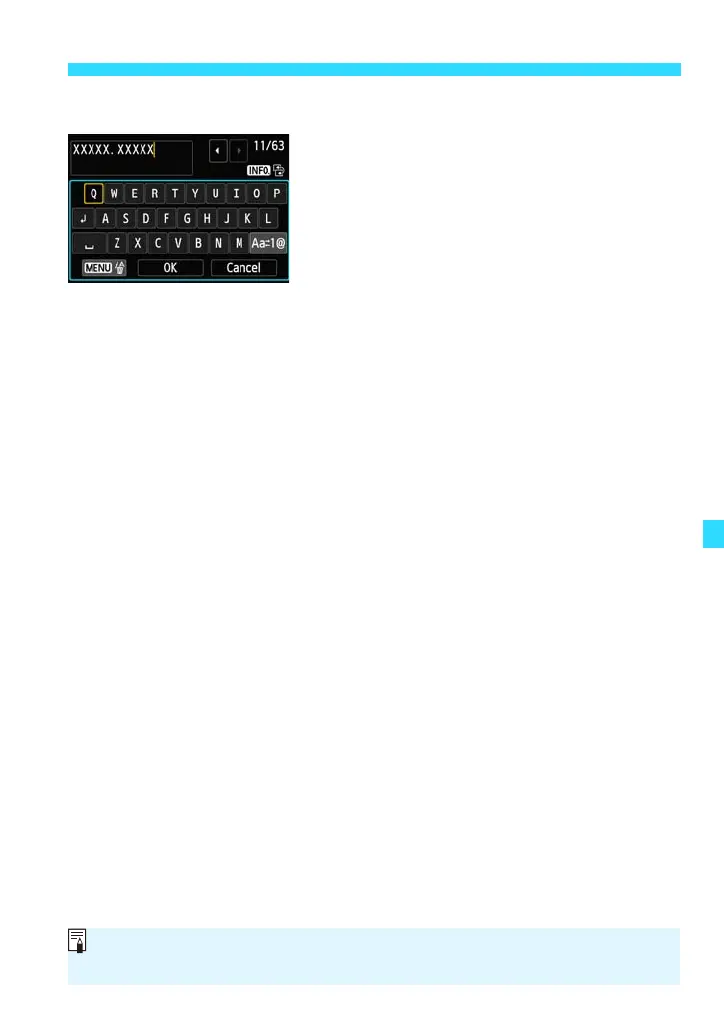
Text Entry Procedure
Changing the Entry Area:
Press the <B> button to toggle
between the top and bottom areas.
Moving the Cursor:
Either tap [h]/[g] in the top area or press
the <Y> <Z> keys to move the cursor.
Entering Text:
In the bottom area, type directly with the keyboard, or select a character
with the <5> dial or <S> keys, then press <0> to enter it.
Changing the Entry Mode:
Tap [E] in the bottom area. Each time you tap it, the entry mode will
change as follows: Lower case 9 Numerals / Symbols 1 9 Numerals /
Symbols 2 9 Upper case.
Deleting a Character:
Either tap [3L] or press the <M> button to delete one character.
Exiting:
You can complete the text entry and return to the screen in step 2 by
tapping [OK].
Canceling the Text Entry:
You can cancel the text entry and return to the screen in step 2 by tapping
[Cancel].
You can also set or check the copyright information with EOS Utility (EOS
software, p.350).















 To Next Page