3 Slide Show (Auto Playback)
244
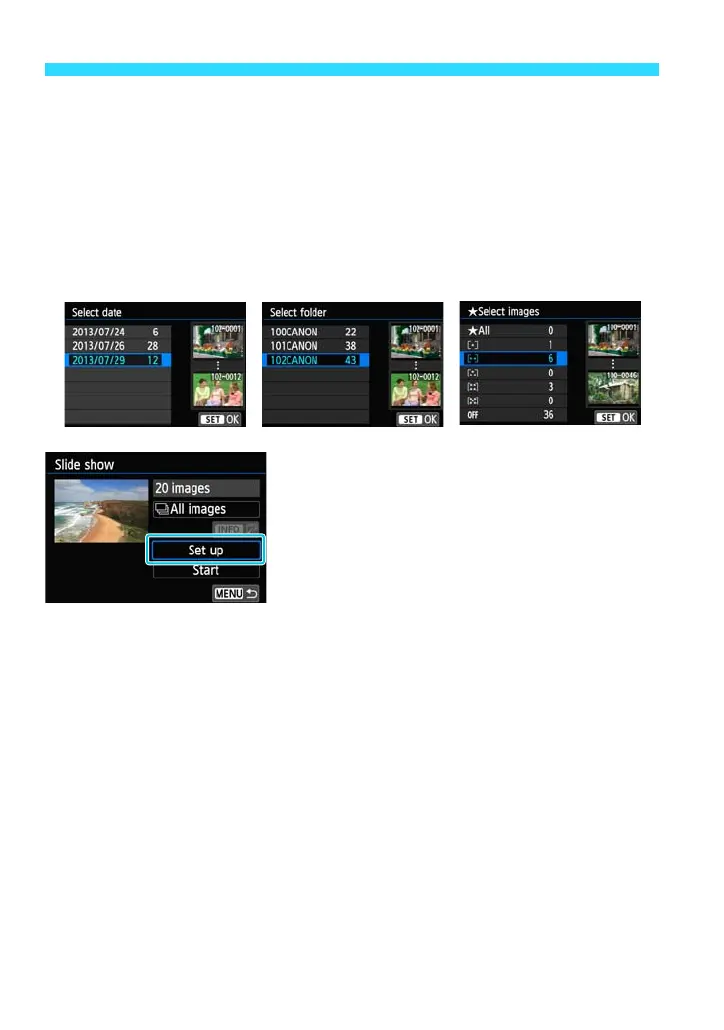
[iDate], [nFolder], or [9Rating]
Select the date, folder, or rating of the
images to be played.
When [zH] is highlighted, press
the <B> button.
Select the desired option, then press
<0>.
3
Set [Set up] as desired.
Select [Set up], then press <0>.
Set the [Display time], [Repeat]
(repeated playback), [Transition effect]
(effect when changing images), and
[Background music] for the still photos.
The background music selection
procedure is explained on page 246.
After selecting the settings, press the
<M> button.















 To Next Page