263
S Resizing JPEG Images
4
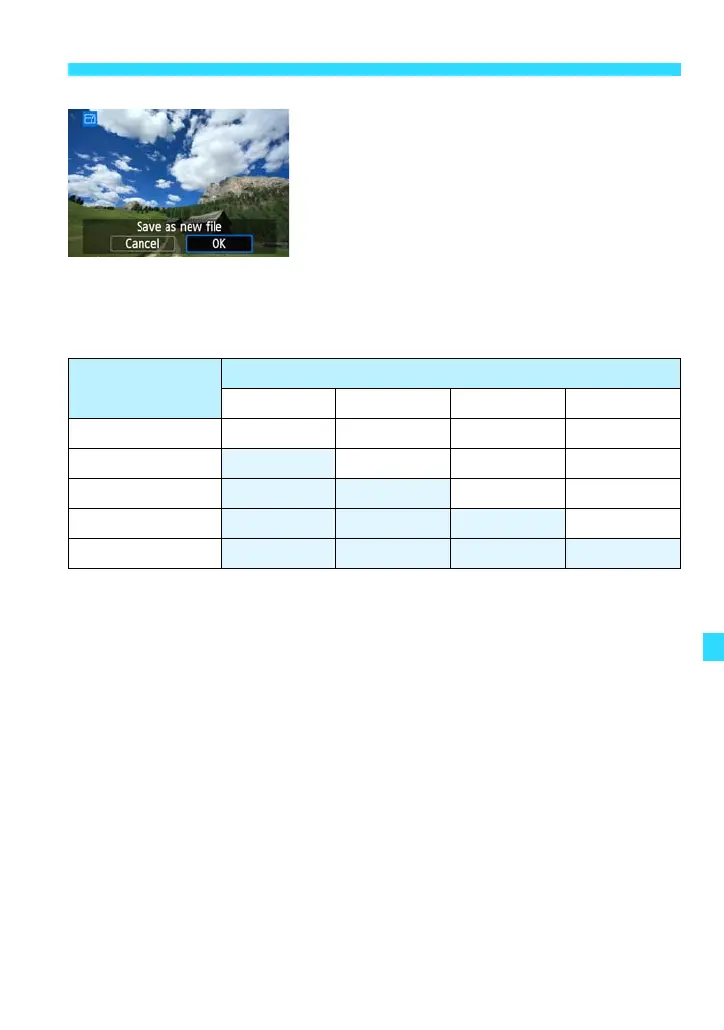
Save the image.
Select [OK] to save the resized image.
Check the destination folder and image
file number, then select [OK].
To resize another image, repeat steps 2
to 4.
Press the <M> button to return to the
menu.
Resize Options According to Original Image Size
Original Image
Size
Available Resize Settings
4 a b c
3 kkkk
4
kkk
a
kk
b
k
c















 To Next Page