Using Eye-Fi Cards
306
5
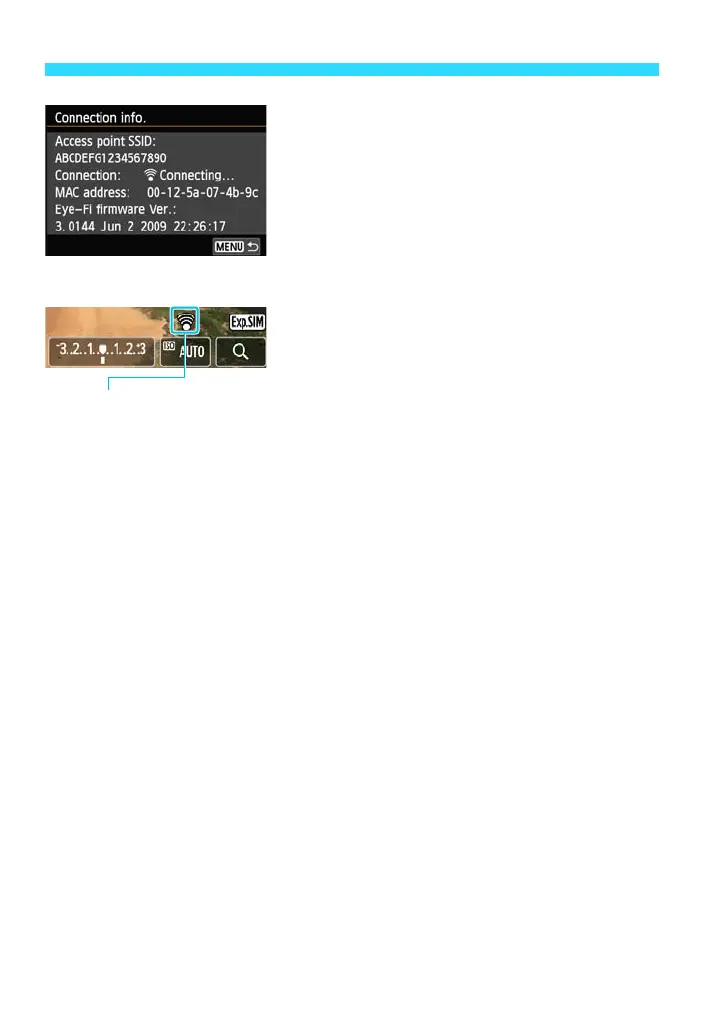
Check the [Access point SSID:].
Check that an access point is displayed
for [Access point SSID:].
You can also check the Eye-Fi card’s
MAC address and firmware version.
Press the <M> button three times to
exit the menu.
6
Take the picture.
The picture is transferred and the [H]
icon switches from gray (not connected)
to one of the icons below.
For transferred images, [q] is displayed in
the shooting information display (p.256).
H(Gray) Not connected : No connection with access point.
H(Blinking) Connecting : Connecting to access point.
H(Displayed) Connected : Connection to access point established.
H( ) Transferring : Image transfer to access point in progress.















 To Next Page