[Domain Name]
Enter the name of the domain to which the printer belongs. You can enter up to 47 single-byte
alphanumeric characters.
Input Example: "example.com"
[DNS Dynamic
Update]
To use the DNS Dynamic Update function, select the check box.
[DNS Dynamic
Update Time]
Specify the interval at which to perform the dynamic update.
4
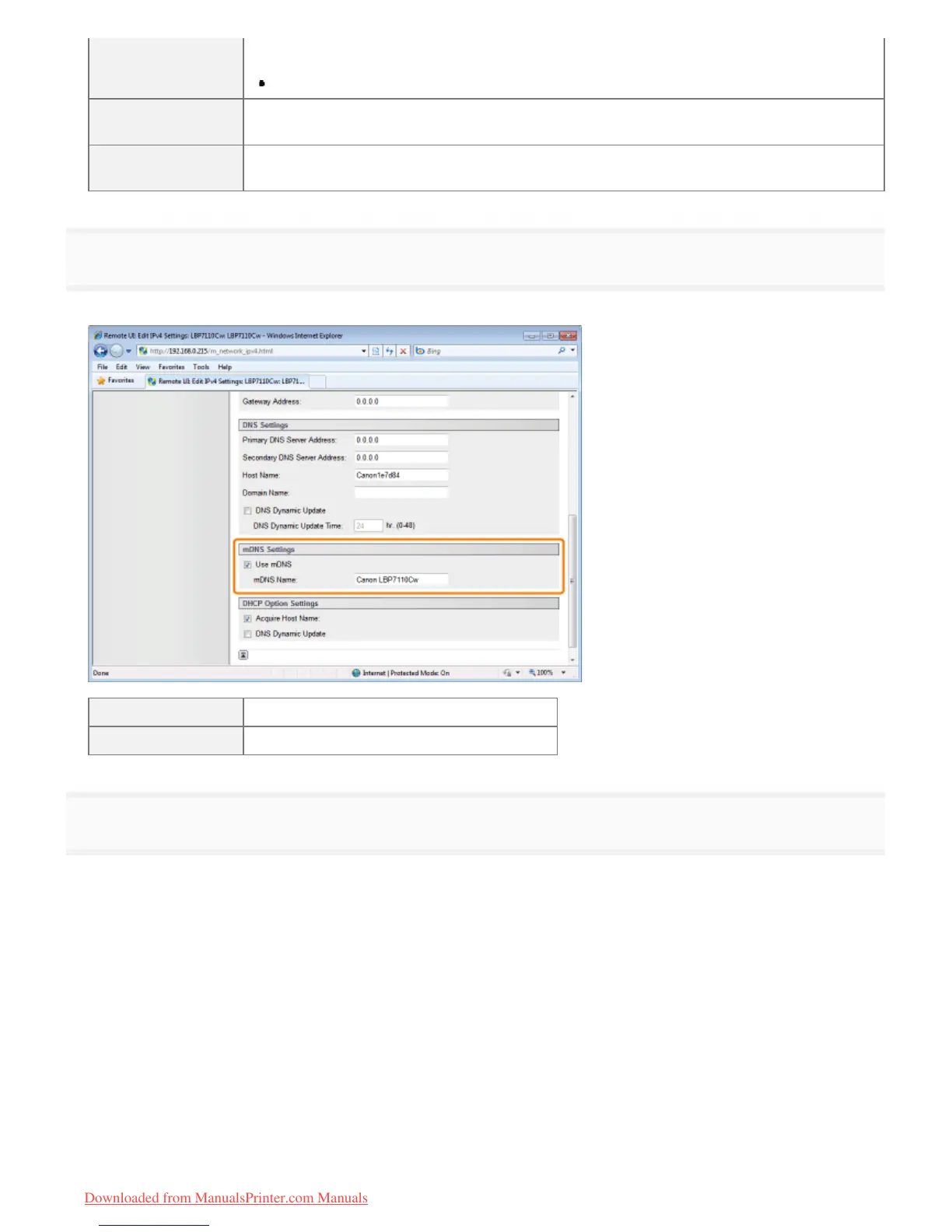
Specify the mDNS.
Proceed to Step 5 when not using mDNS.
[Use mDNS] To use mDNS settings, select the check box.
[mDNS Name] Enter the mDNS name.
5
Specify the DHCP options.
Proceed to Step 6 when not using DHCP options.
㻞㻠㻣㻌㻛㻌㻡㻝㻠
Downloaded from ManualsPrinter.com Manuals












 To Next Page