Enabling the SSL encrypted communication function
Specify the settings to enable the SSL encrypted communication function to be used, for example, when you use the
remote UI.
1
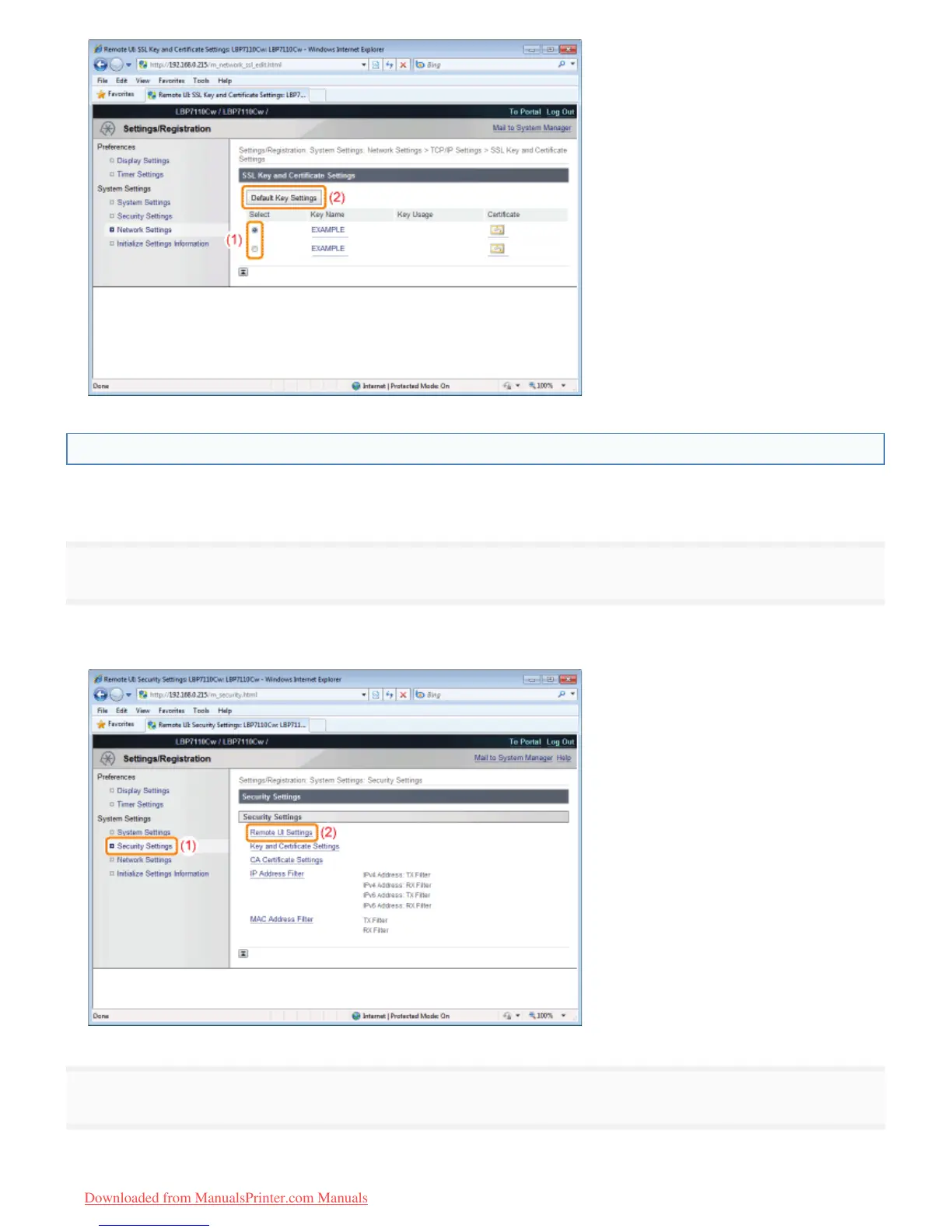
Display the [Remote UI Settings] page.
(1) Select [Security Settings].
(2) Click [Remote UI Settings].
2
Click [Edit].
㻟㻤㻣㻌㻛㻌㻡㻝㻠
Downloaded from ManualsPrinter.com Manuals












 To Next Page