3
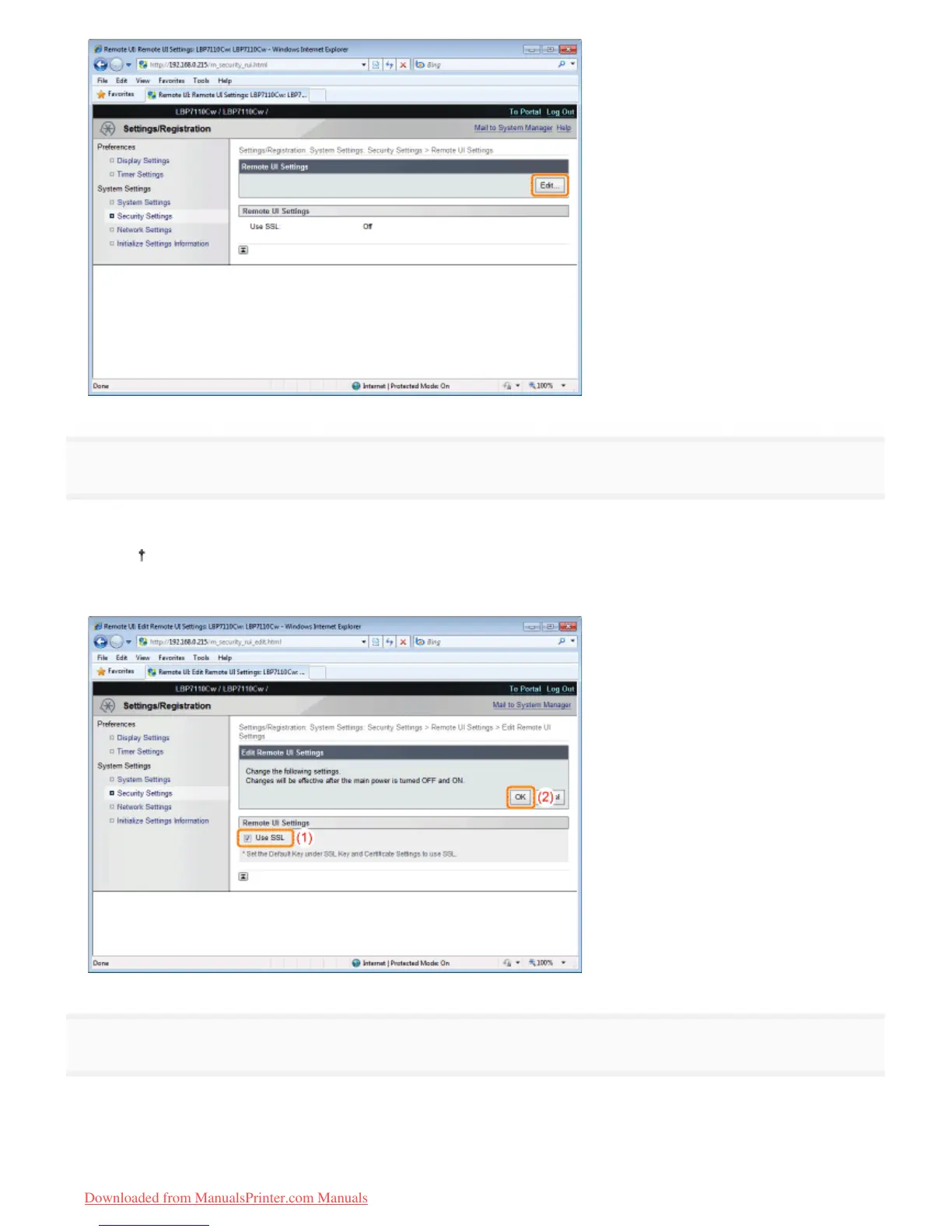
Enable the SSL encrypted communication function.
(1) Select the [Use SSL] check box.
Clearing the check box disables the SSL encrypted communication function.
(2) Click [OK].
4
Restart the printer.
Turn the printer OFF, make sure that the Main Power indicator is off, wait for 10 seconds or longer, and then turn it ON
again.
ĺ After the printer is restarted, the settings become effective.
㻟㻤㻤㻌㻛㻌㻡㻝㻠
Downloaded from ManualsPrinter.com Manuals












 To Next Page