6-WORKINGOPERATIONS
Activatingjoysticksteering
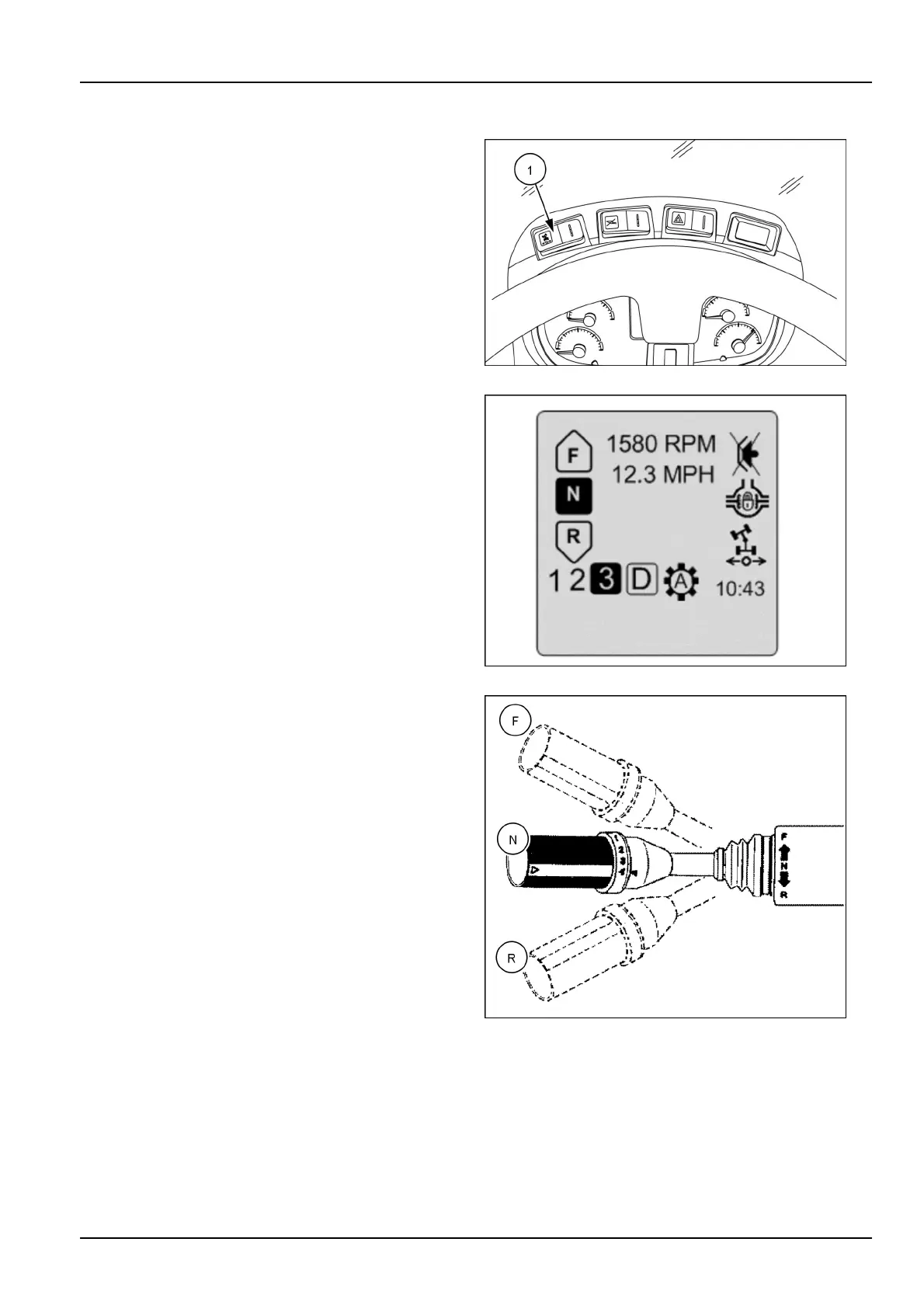
Thejoysticksteeringswitch(1)islocatedabovethecon-
sole.Theswitchhasthreepositions:Thecenterposi-
tionistheneutralposition.Pressingtheleftsideofthe
switchactivatesthejoysticksteeringcommandfunction.
TheLEDontheLCDmultifunctiondisplayindicatesthat
theJoystickSteeringcommandisactivated.Pressingthe
rightsideoftheswitchdeactivatestheJoystickSteering
function.
RCPH10WHL499AAH6
Thejoysticksteeringiconwillilluminateonthemaindriv-
ingscreen,indicatingmachinetravelisoperatedwiththe
joystick.Toreturnthesteeringwheeltooperation,stop
themachineinneutral,engagethebrake,andpushon
therightsideoftheswitch.Joysticksteeringspeedcan
besetwiththesettingsmenu.
NOTICE:Iftheoperatormovesthestandardsteering
wheel,thejoysticksteeringfunctionautomaticallyceases
andsteeringcapabilitiesreturntothestandardsteering
wheel.Whenthesteeringwheelisreleased,theoperator
canreturntojoysticksteering,andjoysticksteeringwill
againbefunctional.Theoperatorcanalsochooseto
turnoffjoysticksteeringatthistimeiftheoperationis
complete.
LEIL12WHL0035BA7
Beforeactivatingthejoysticksteering:
1.Stopthewheelloader.
2.Lowertheleftarmrestinthehorizontalposition.
3.Shiftgearonsteeringcolumninneutralposition.
RCIL10WHL193BAL8
6-7



 To Next Page