3-CONTROLSANDINSTRUMENTS
Operatorpreferences[60630821]
Escapingfromerrors
Whenusingthemachinecomputersystem,youcanre-
turntothemainmenubypressingtheescapekey.When
settingdesiredselections,shouldanerrormessagedis-
play,presstheescapekeyandbeginagain.
NOTE:Selectingoptionsandnavigatingthroughthe
screenmenusarethesameforallfunctions.Thedisplay
willtelltheoperatoriferrorshaveoccurred.
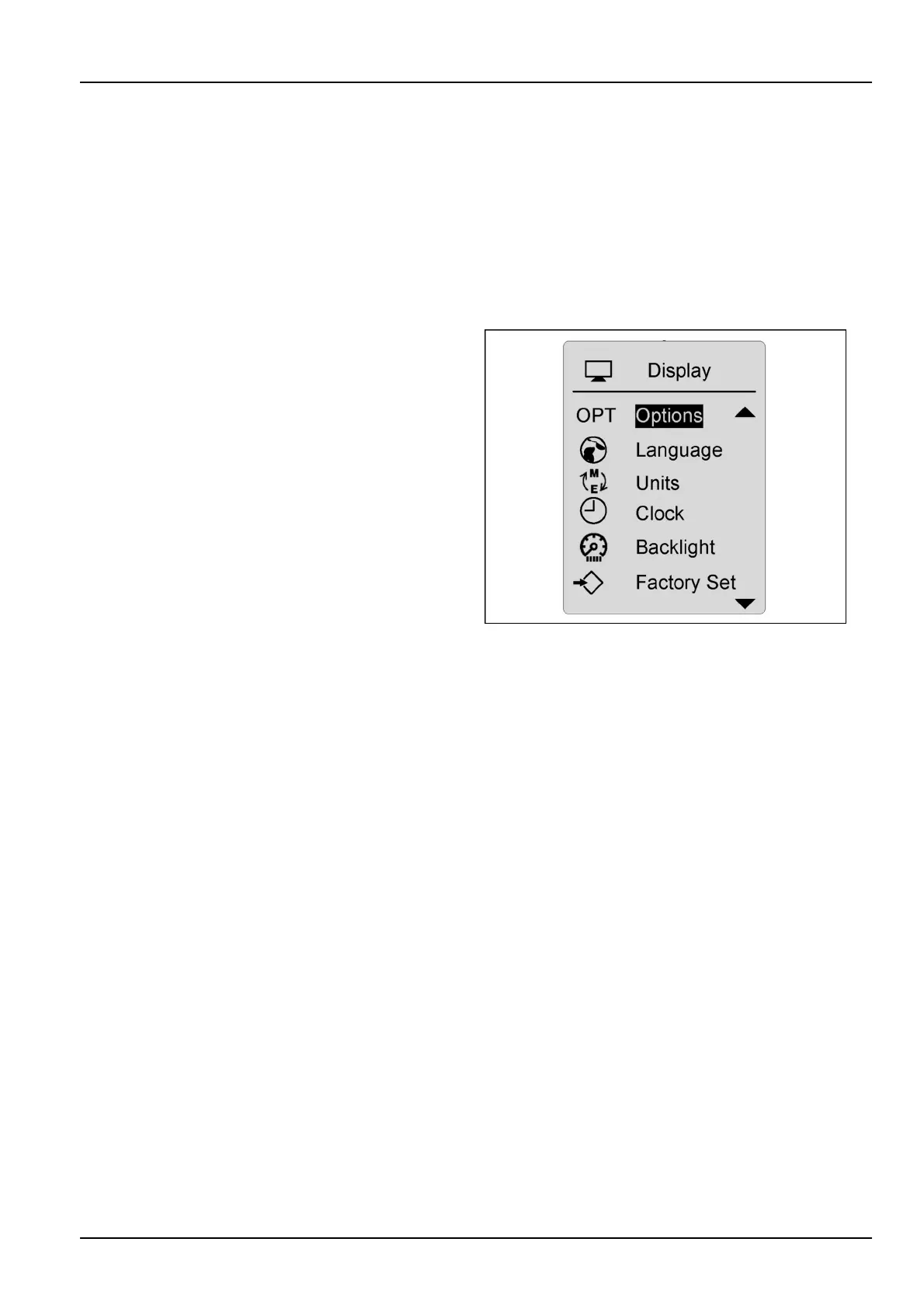
Languagescreen,measurementunitsand
clock
TheLCDscreencanbesetwithlanguage,measure-
ments,and/orclockpreferences.Usethearrowkeysto
scrolltothepreferencesmenu.Presstheconrmkey
onthecorrectselection.Presstheescapekeytoreturn
tothemaindrivingscreenandlocktheselectioninto
memory.
RCPH10WHL358BAH1
3-53



 To Next Page