M-Series Operator’s Manual 4/9/2015 10-22
Tapping (F2 in the Canned Cycle Menu)
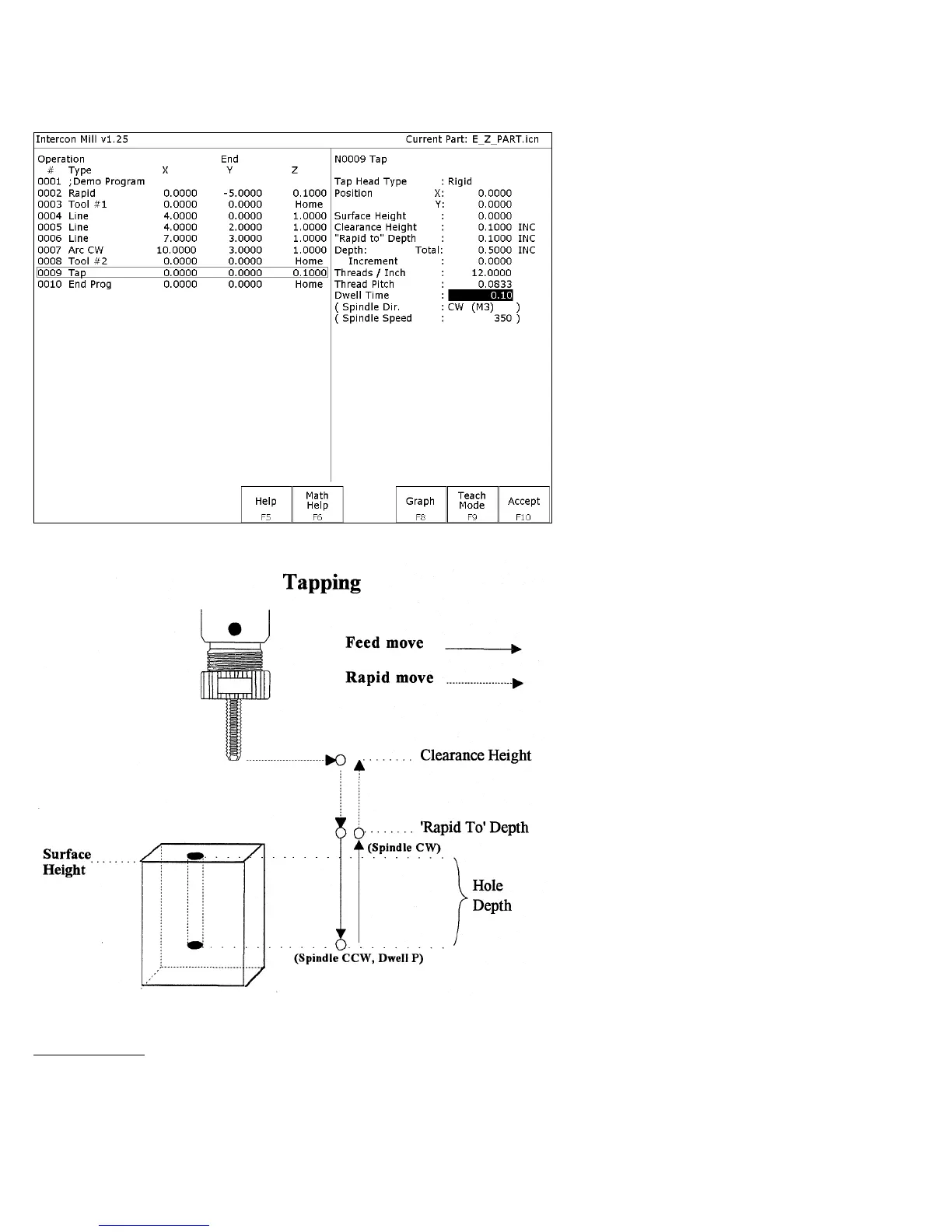
If you press F2 - Tap from the Canned Cycle Menu you will gain access to the tapping operations:
The numbers in the fields on the screen correspond to the following example, shown here graphically:
Where:
Tap Head Type: Without rigid tapping, this selects either Floating tap head or Reversing tap head (where the special
tapping head reverses for you). If rigid tapping is enabled (requires a spindle encoder), you can select either rigid or
reversing.



 To Next Page