M-Series Operator’s Manual 4/9/15
8-1
Chapter 8
Digitize
(F9 from Main Menu)
The Digitize feature of the CNC software can be used to digitize surfaces in a variety of scenarios. The digitizing
process creates a file with M & G codes that represent the digitized surface. If the digitizing probe tip is chosen to
match the milling cutter size, the digitized file can be loaded and run to produce an exact copy of the digitized part.
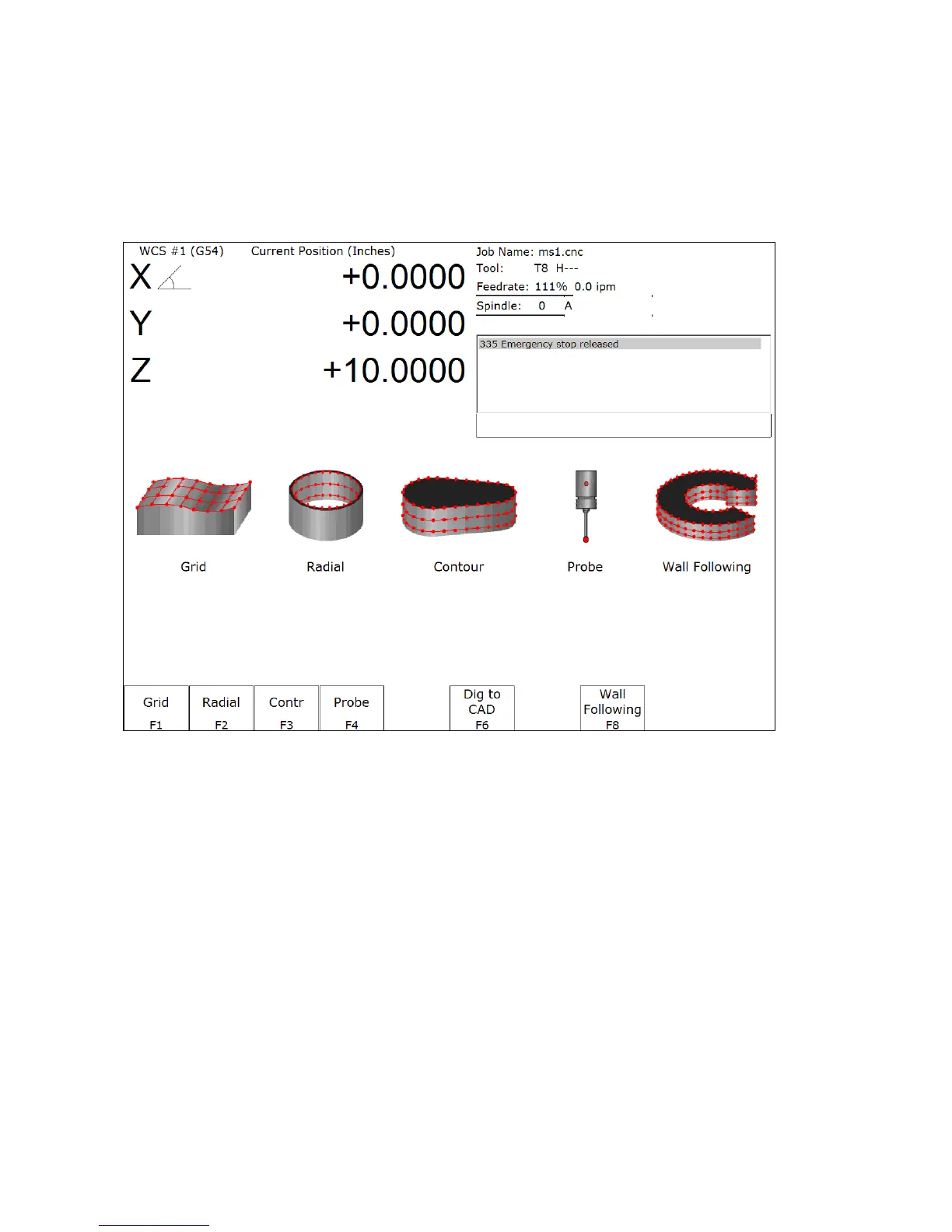
F1 – Grid
Digitize rectangular surface area.
F2 – Radial
Digitize inside of a bore.
F3 – Contour
Digitize inside or outside contour.
F4 - Probe
Select from the Probing Cycles (See Chapter 9 of this manual).
F6 – Dig to CAD
Export digitized files for use with a CAD/CAM system.
F8 – Wall Following
Digitize inside and/or outside contour .



 To Next Page