M-Series Operator’s Manual 4/9/15
Control Configuration
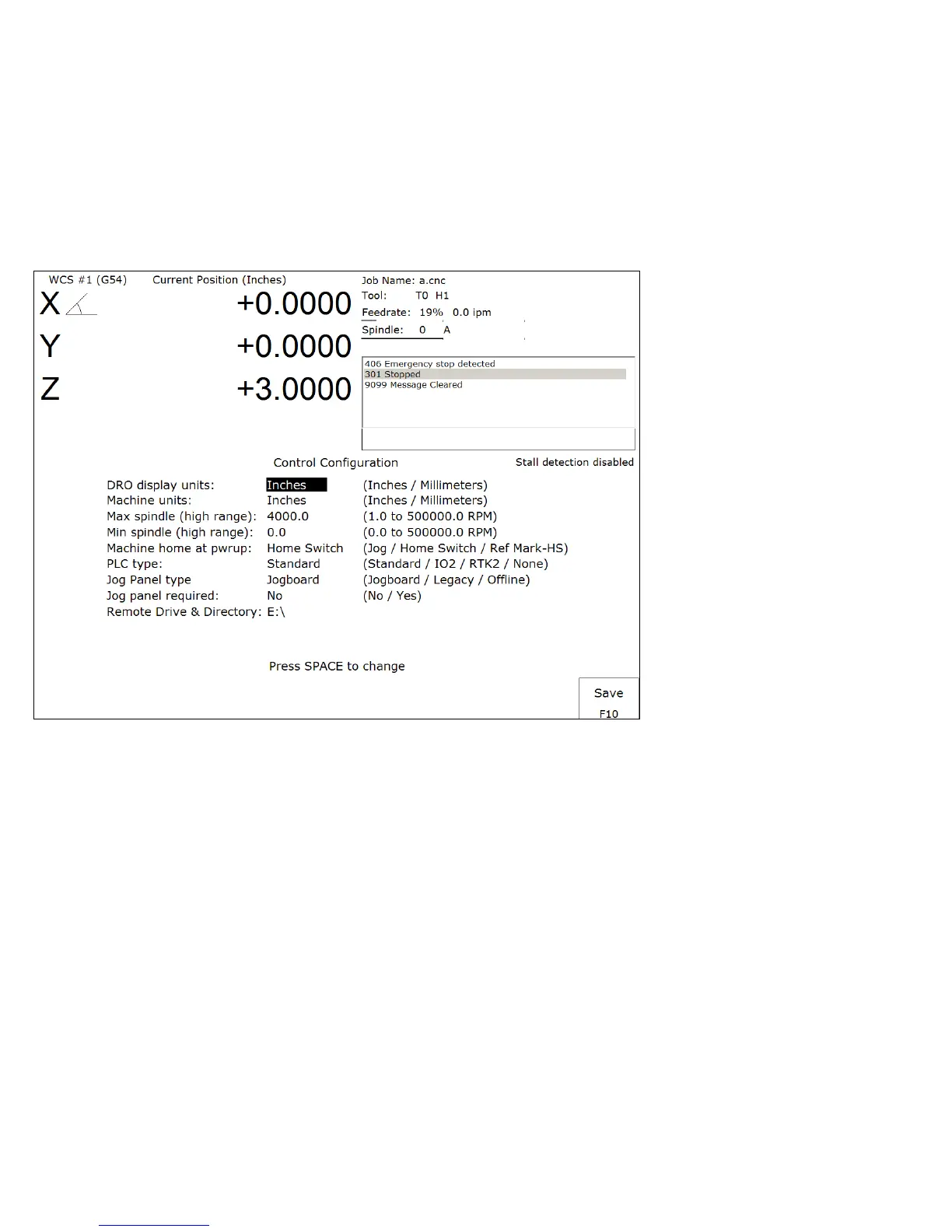
Pressing F1 - Contrl from the configuration screen will display the Control Configuration screen. The Control
Configuration screen provides you with a method of changing controller dependent data. Each of the fields is
discussed in detail below.
If you wish to change a field, use the up and down arrow keys to move the cursor to the desired field. Type the new
value and press ENTER, or press the SPACE bar to toggle. When you are done editing, press F10 – Save to save any
changes you have made. If you wish to discard your changes and restore the previous values, press ESC.
DRO Display Units
This field controls the units of measure that the DRO displays. The two options are 'Millimeters' and 'Inches.' When
this field is highlighted by the cursor, "Press SPACE to change" appears at the bottom of the screen. This message is
explaining that pressing the SPACE bar will toggle the value of this field between the two options.
The DRO display units do not have to be the same as the machine units of measure (explained below). This field is
provided for users of the G20 & G21 codes so that they may view the tool position in terms of job units (see Chapter
12).
Machine Units of Measure
This field controls which units of measure the machine uses for each job. The two options are 'Millimeters' and
'Inches'. Press the SPACE bar to toggle the field between the two options.
This field determines the default interpretation of job dimensions and feedrates. If 'Inches' is selected, all feedrates and
dimensions will be interpreted as inches as well as any unit dependent parameters.
* NOTE: This field should rarely, if ever, be changed. If you wish to run a job in units other than the default machine
units, use the G20 & G21 codes.



 To Next Page