M-Series Operator’s Manual 4/9/15
5-3
Automatic Tool Measurement
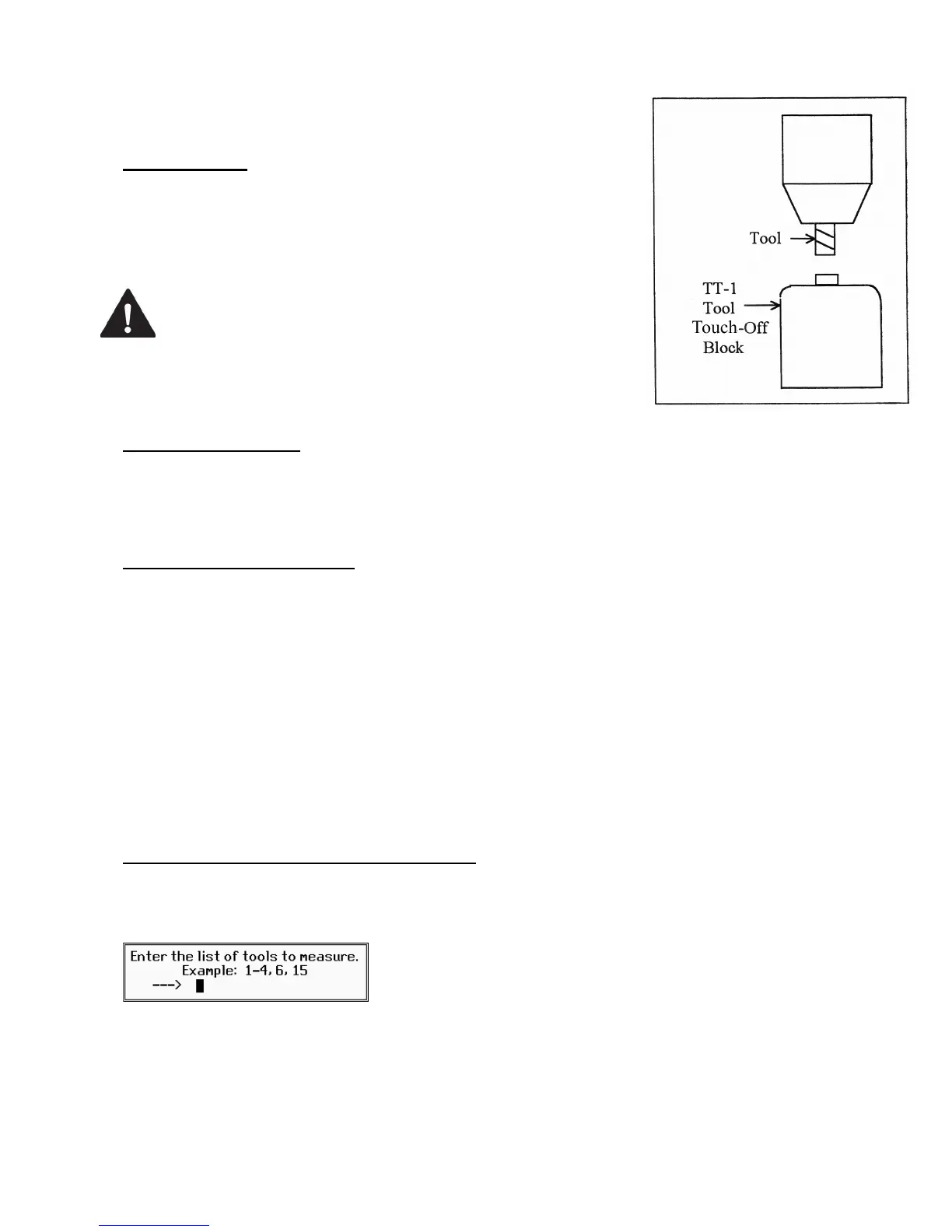
Z-minus single-surface probing, using the TT-1 tool touch-off post, is
available in the Tool Offset Library.
First Time Setup
Make sure the proper parameters are set as per Chapter 9 and Chapter 14,
and the detector is plugged in and is at the correct location on the table!
When first testing the TT-1, hold the TT-1 in hand and manually touch
the unit to the tool to confirm correct electrical connection and parameter
setup.
WARNING
Incorrect setup may cause damage to the
machine, tool and/or cause injury to the
operator.
Setting the Z Reference:
Using the longest tool for the job to be run or the designated reference tool, press F1- Z Ref, then F3 and then
CYCLE START. The Z-axis will then move down until the tool touch-off is detected. The Z reference will be set
at that position. Parameter 3 bit 1 is used to set Z reference to Z home position. See the parameter section in
Chapter 14 for more info.
Setting the Tool Height Offsets:
Pressing F3 – Auto Measure and then CYCLE START at the prompt will cause the Z-axis to move down until
the tool touch-off is detected; the resulting tool length will be entered in the table (same as with F2 - Manual). The
Z-axis then returns to its home position.
If Parameter 17 has been set to the number of a valid return point (1 or 2), the F3 – Auto Measure option will
move the X and Y axes to that return point before moving Z down. Return point 1 is the G28 position from the
Work Coordinate System Configuration screen (see Chapter 4). Return point 2 is the G30 position on that screen.
If Parameter 17 is zero (0), the X and Y-axes will not move before Z moves down. In this case you must be careful
to jog the machine directly over the detector before pressing F3 – Auto Measure.
Note: SHIFT+F3 can be used to override any return point movement in cases where parameter 17 is set to use it.
This is helpful for measuring tools wherein the height measurement is not taken from the center point of the tool.
Batch Tool Height Offset Measurement Process:
If you have both purchased the Automatic Tool Measurement (TT1) option and also have an automatic tool changer
installed, then you can press F4 - Batch to measure multiple tools in one process. After pressing F4 - Batch, you
will be prompted with the following dialogue box:
After entering a list of tool numbers, you can press CYCLE START to perform the batch tool measurement
process. This process is similar to the single tool height offset measurement (accessed via F3 – Auto Measure) but
will do multiple tools in one shot.



 To Next Page