M-Series Operator’s Manual 4/9/15 2-7
Legend Key(s) Function Description Availability (Notes)
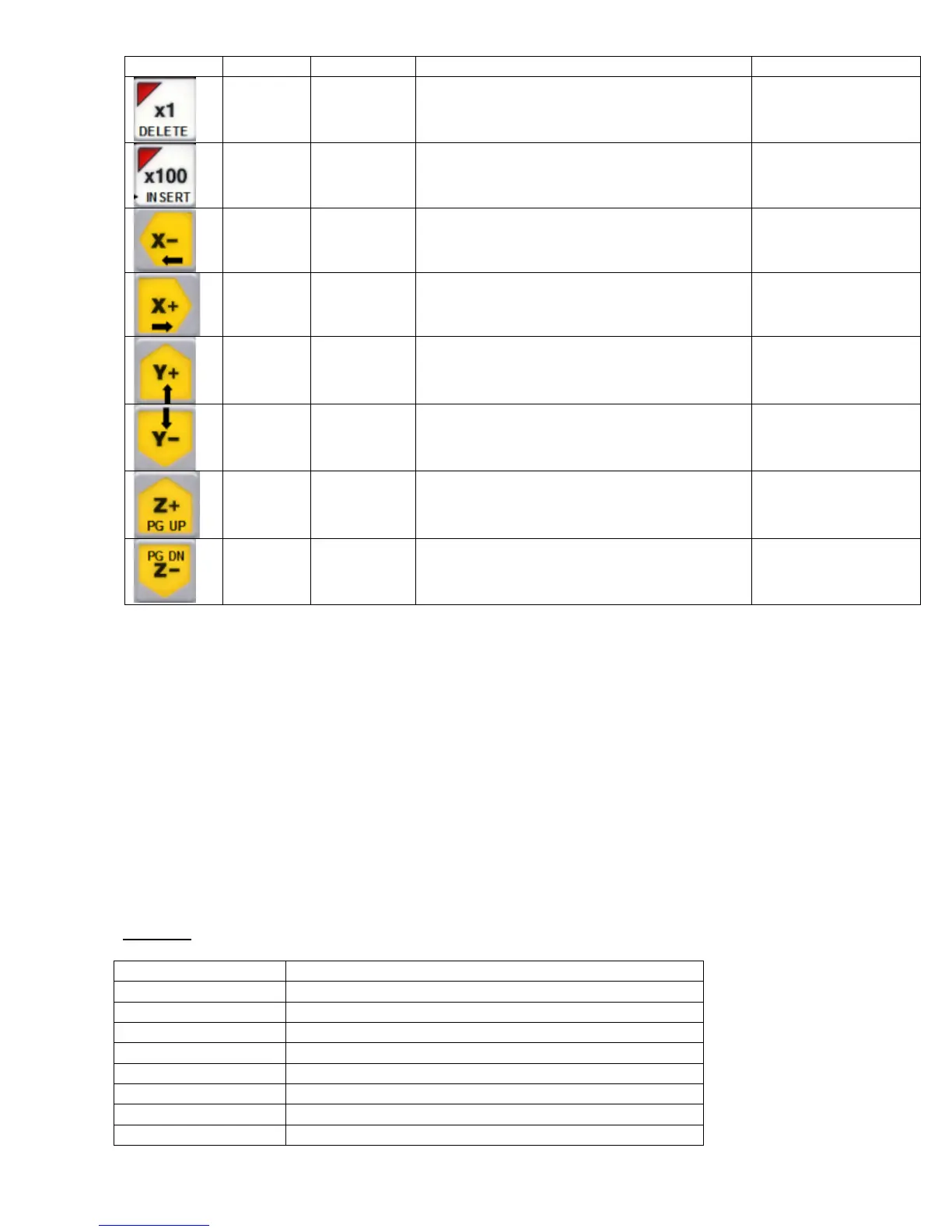
Delete Decrease
Jog
increment
Decreases current jog increment to the next
lower available increment
Always, with few
exceptions.
Insert Increase Jog
Increment
Increase current jog increment to the next
higher available increment
Always, with few
exceptions.
Left
arrow
X - Jog With on screen jog
panel displayed
Right
Arrow
X+ Jog With on screen jog
panel displayed
Up
Arrow
Y+ Jog With on screen jog
panel displayed
Down
Arrow
Y- Jog With on screen jog
panel displayed
Page Up Z + Jog With on screen jog
panel displayed
Page
Down
Z - Jog With on screen jog
panel displayed
MDI and the Keyboard Jog Panel
Many of the keys used by the keyboard jog panel are also possible commands to MDI. To use the keyboard jog panel
functions in MDI, you must press Alt J. You may jog; use the handwheels, or any other jog panel function. Press Alt
J or Esc to return to MDI.
Keyboard Shortcut Keys
A computer style keyboard is supplied with most systems. This keyboard can be used as a jog panel. The keyboard
jog panel has many “hot keys”. Hot keys are keys that can be used at almost any time, with few exceptions. Some
menus may prohibit their use. The CNC software has many other hot keys in addition to the jog panel hot keys. The
hot keys are listed below.
Hot Keys
Hot Key Action
Ctrl A Spindle auto/manual
Ctrl N Flood coolant on/off*
Ctrl M Toggle Auto Man Coolant
ALT D Switch between current position and machine position
CTRL D Switch DRO between position and distance to go
CTRL K Mist coolant on/off*
ALT F Displays available system memory
ALT I PLC diagnostics



 To Next Page