M-Series Operator’s Manual 4/9/15
Chapter 14
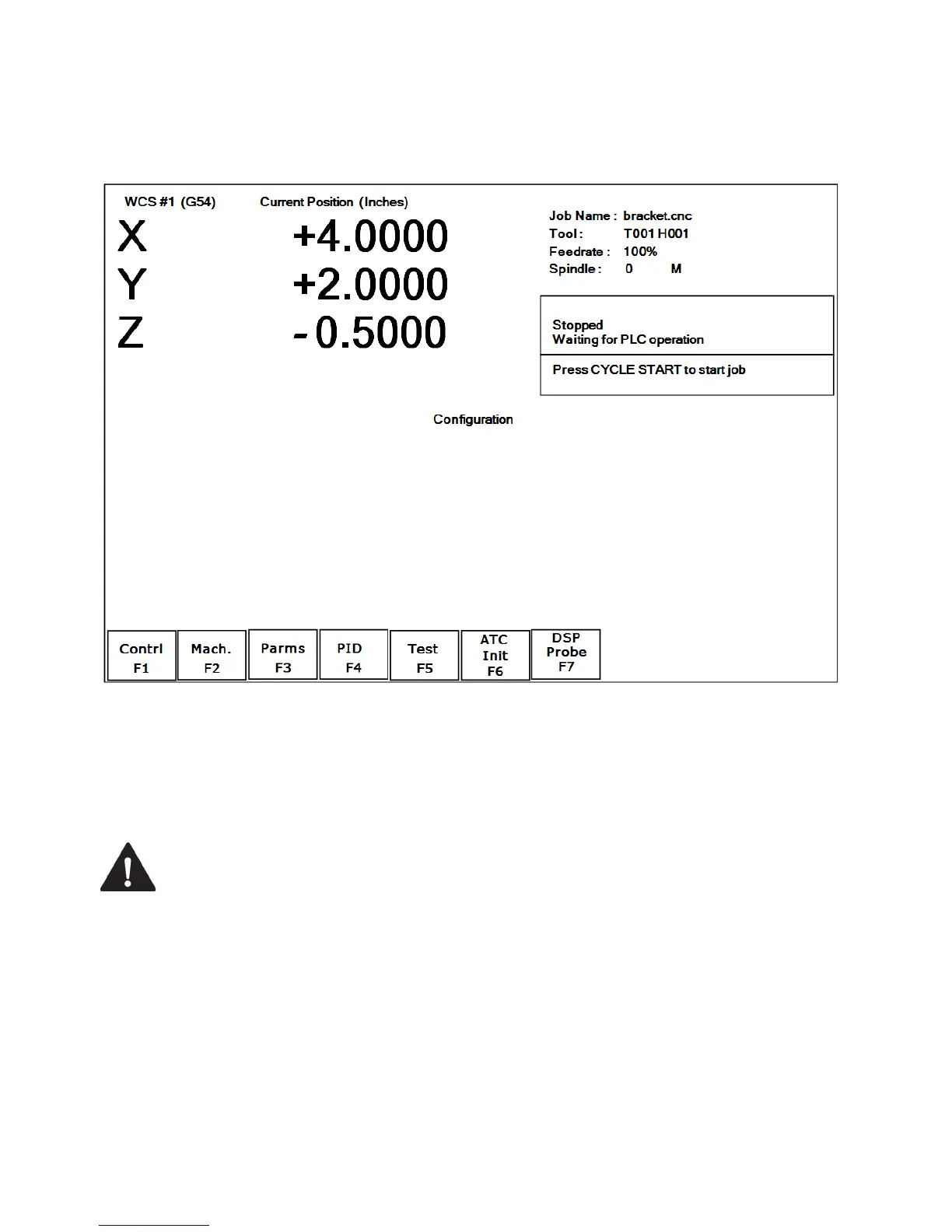
Configuration
General
The first four options, F1 through F4, will display a set of parameters. Each option is explained in detail below. The
ESC key will return you to the previous screen (Setup).
The configuration option provides you with a means for modifying the machine and controller configuration. The
majority of information in this section should not be changed without contacting your dealer. The F5 - Test key
should only be used by qualified factory technicians to perform automated system tests.
WARNING
Some of the data, if corrupt or incorrect, could cause personal injury or machine
damage.
Password
When you press F3 - Config from the Setup Screen, you may be prompted to enter a password. This level of security
is necessary so that users do not accidentally change vital parameters. The original default password is distributed in
the documentation provided to the owner of the machine when the control is installed. This password is changeable
via Parameter 42.
If you know the password, type it and press ENTER. If the password you enter is incorrect, a message will appear
telling you the password was incorrect and the password prompt will reappear. Pressing ESC will remove the prompt.
If you don't know the password, simply press ENTER. You will be given access to the configuration options so that
you can view the information. However, you will not be able to change any of the data.



 To Next Page