M-Series Operator’s Manual 4/9/2015 10-13
Actual Tool Change: Determines whether an M6 code is generated (answer Yes) during the tool change. If you do not
want to remove the current tool, but instead want to alter its diameter or length offsets (e.g. for doing a finish pass
while using cutter compensation, you may want to use a diameter offset which is slightly larger than the actual tool for
the first passes, then use the actual tool diameter for the finish pass), answer No to this question. Spindle and coolant
will not be automatically turned off if you answer No here.
Press F10 - Accept, Page Up, or Page Down when you are finished to accept these values and make changes to the
tool library. If you have changed any field other than the Tool Number of the Actual Tool Change field or position,
you will make changes to the CNC software Tool Library. At the end of the program, Intercon always turns off the
spindle and coolant and returns the Z-axis to the home position. These codes do not need to be entered at the end of
your program.
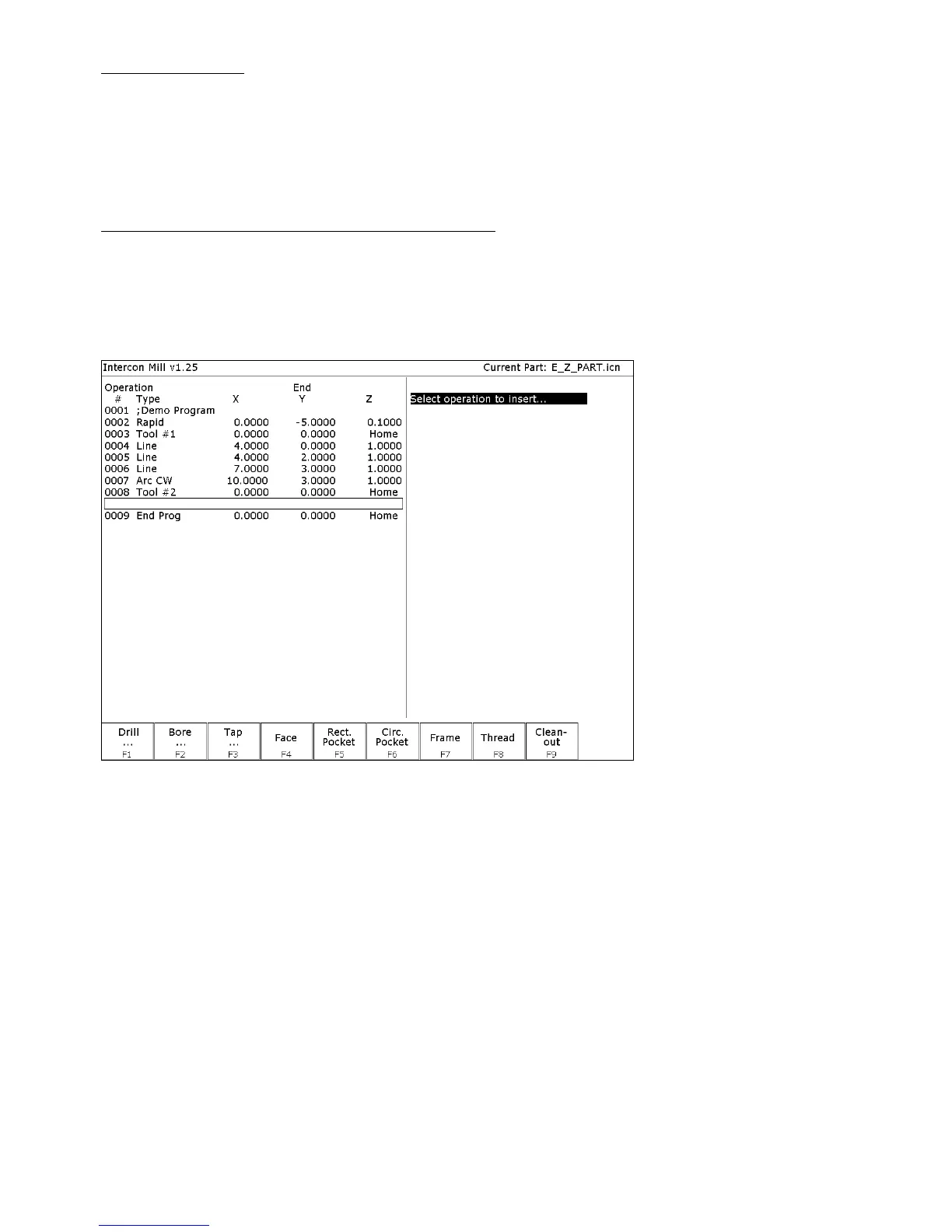
F5 - Canned Cycles
When you choose the Canned Cycle operation by pressing F5 - Cycles, the following screen
appears:



 To Next Page