M-Series Operator’s Manual 4/9/15
6-3
Resuming a Canceled Job
If a job is canceled using one of the methods described above, it can be resumed in one of three ways:
CYCLE START Pressing the CYCLE START button will restart the job at the BEGINNING of the
part program.
F1 - Resume Job (Located in F4-Run menu) Restart the canceled job at or near the point of
interruption. See the next section in this chapter entitled “Run menu” for more information.
F2 - Search (Located in F4-Run menu) Restart at a specified point in the part program. See the next
section in this chapter entitled “Run menu” for more information.
Run menu
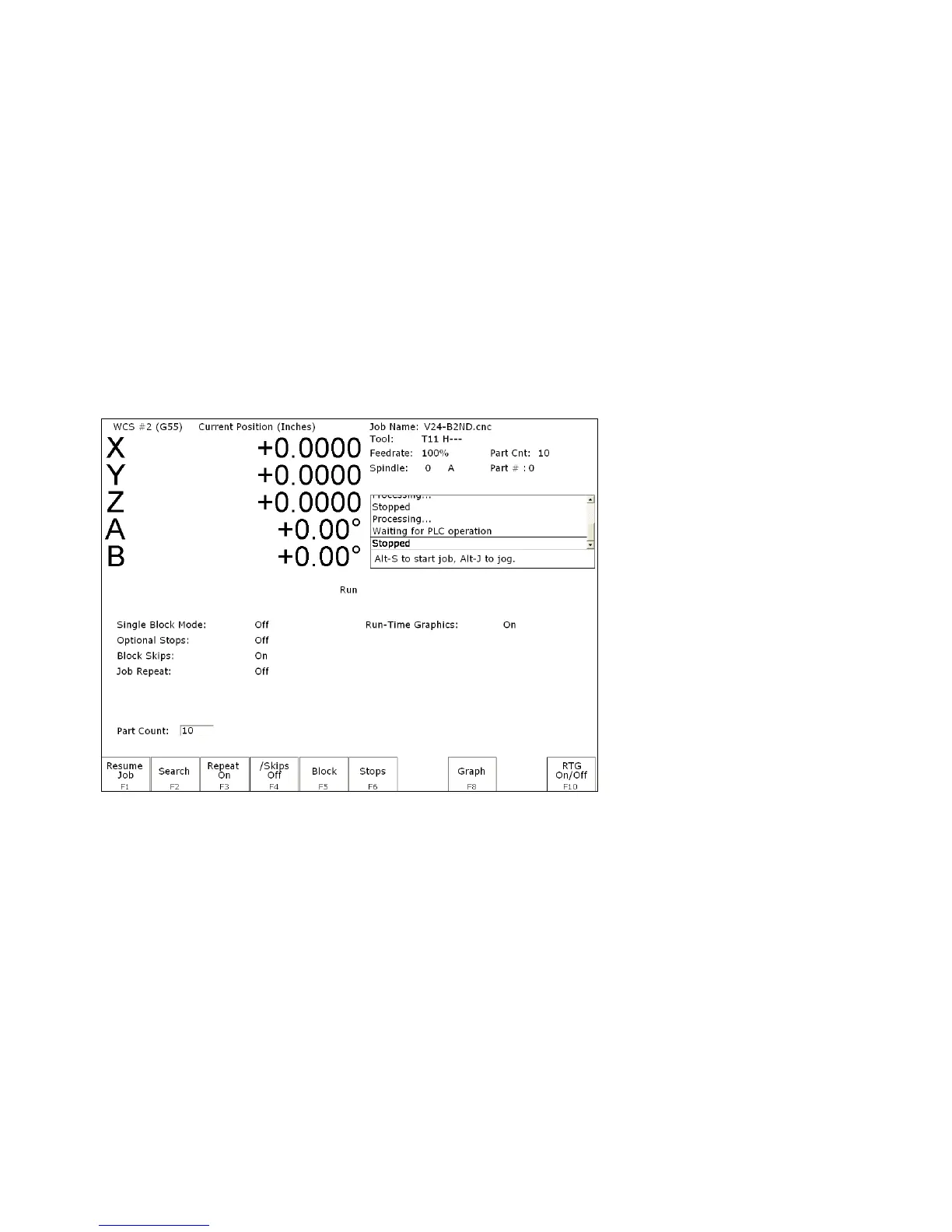
Press F4 - Run from the main screen to access the Run menu. From this menu, the operator can restart a
canceled job or change the way the job will run.
F1 - Resume Job Access the resume job screen by pressing F4 - Run on the main screen to go to the
run screen, and then pressing F1 – Resume Job in the run screen to go to the resume job screen.
If the job was canceled by pressing TOOL CHECK, the control will go to the resume job screen
automatically. From this screen, the user can modify tool offsets and the tool library, turn block
mode on and off, turn optional stops on or off, graph the partially completed job, or start the
partially completed job.
The resume job option is not always available. The following situations will cause the resume job option to
be unavailable:
• Loading a new job.
• Running a job to completion.
• Parse errors in the job.
• Editing or reposting the job file.
• Loss of power while a job is running.



 To Next Page