M-Series Operator’s Manual 4/9/15
PID Menu
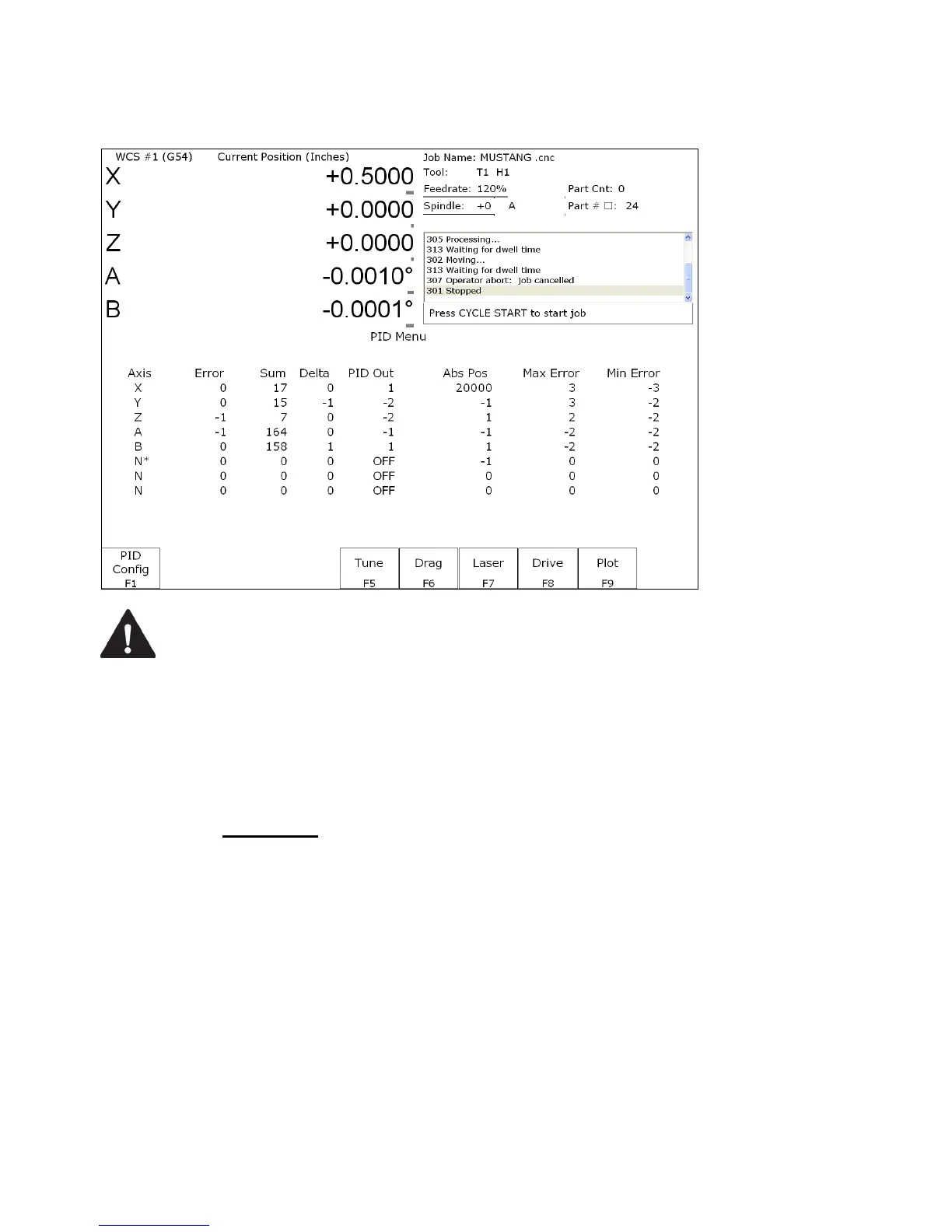
Pressing F4 - PID from the Configuration screen will bring up the PID Menu. The PID Menu provides qualified
technicians with a method of changing the PID dependent data to test and configure your machine.
WARNING
The PID Parameters should not be changed without contacting your dealer.
Corrupt or incorrect values could cause damage to the machine, personal injury,
or both.
F1 - PID Config
This option displays the Oscilloscope tuning screen, and is intended for qualified technicians only. It allows
technicians to modify the PID values, and to see (in real time) the effects of those modifications. Altering the PID
values will cause DRAMATIC changes in the way the servo system operates, leading to possible machine damage.
DO NOT attempt to change these parameters without contacting your dealer.
The general idea is to reduce the Absolute Error (ErrAbs) and the Sum of Absolute Error (ErrSum), which are both
measured in encoder counts. Absolute Error tells you how far off position the machine is at any particular point in
time, and the Sum is used when tuning to make sure the overall error is being reduced.
Special Note for SD3 drives: The program containing test moves (edited via F1 and run via F2 on the Oscilloscope
tuning screen) must contain a dwell (G4 P__), otherwise the SD3’s drive parameters will not be sent.



 To Next Page