M-Series Operator’s Manual 4/9/15
8-15
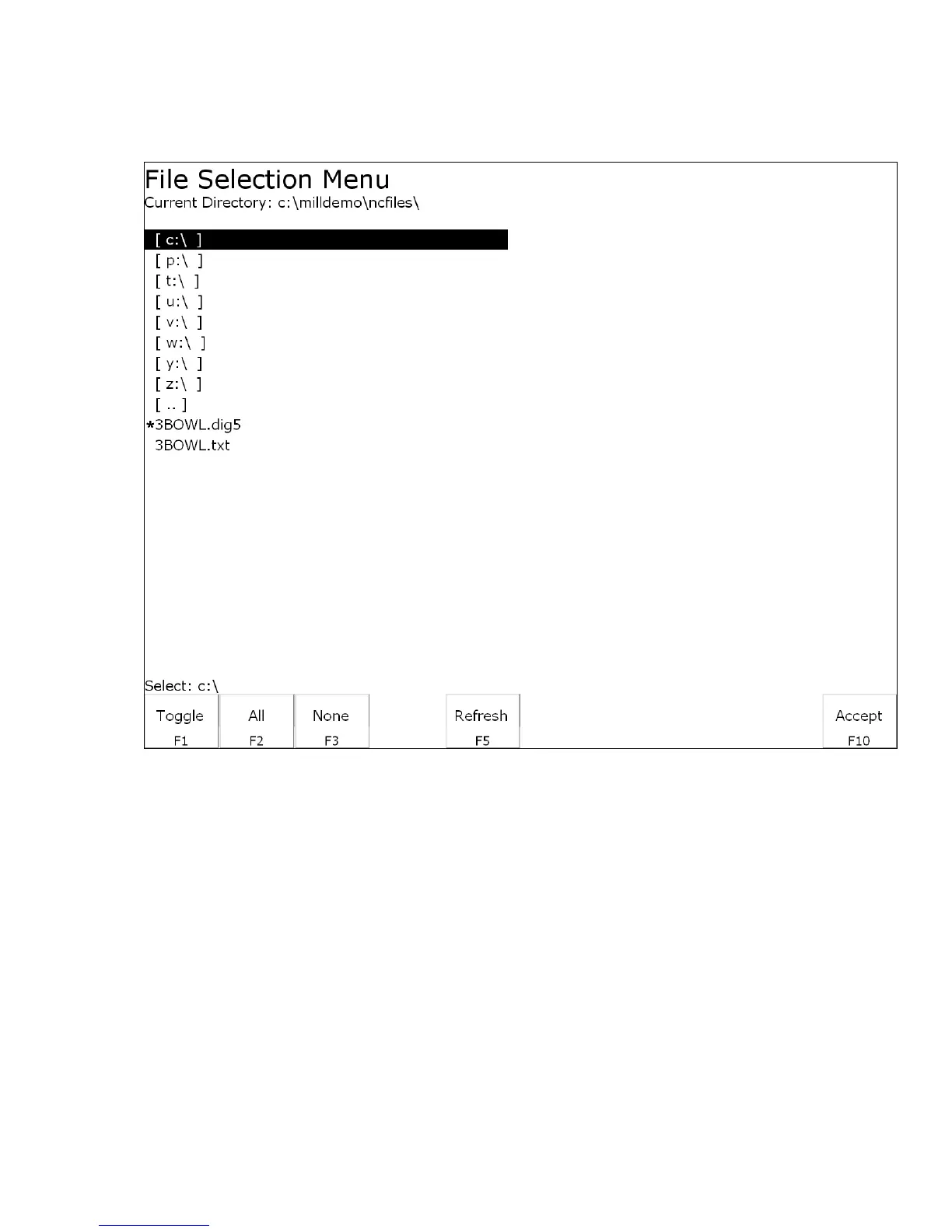
Dig to CAD
(F6 from Digitize Menu)
The Dig to CAD feature of the CNC software is used to export digitized files for use with CAD/CAM
software. The digitized files are converted to point cloud data that is easily readable by most CAD/CAM
systems. Digitized files have either a .DIG or .DIG5 extension. Files with the extension .DIG are created
from the grid or wall following digitizing routines, while .DIG5 files are created from 5-axis digitizing
toolpaths. The resulting point cloud data files will have the same file name as the .DIG and .DIG5 files they
were created from, only they will have a .TXT extension. These files can then be imported into any
CAD/CAM software or viewed with a simple text editor.
In the case of 5-axis CNC controls, where the 4
th
and 5
th
axes are rotary axes, parameters 116-119 are used in
conjunction with Dig to CAD to properly position the collected data (see Chapter 14 for more information on
these parameters).



 To Next Page