M-Series Operator’s Manual 4/9/15
8-16
Converting Digitized Data
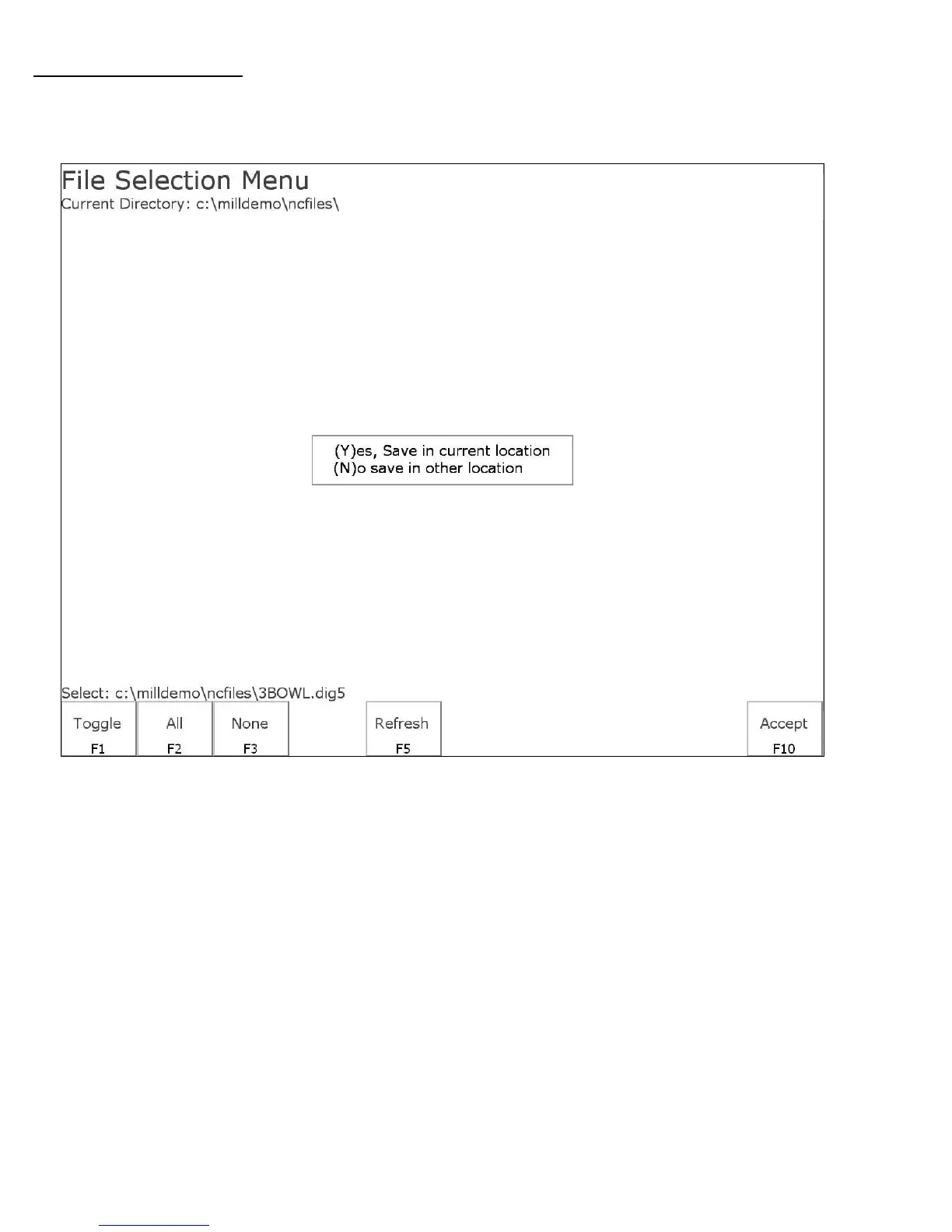
To export digitized data, first select the files you wish to convert by highlighting the files with the arrow
keys and using either F1-Toggle or the Space bar to select the files. When a file has been selected an
asterisk (*) will appear to the left of the filename. Once you have selected all the files you wish to convert
press F10-Accept.
To convert the files and save them in the same directory as the digitized files press Y. To save the files in a
different location such as a floppy or USB drive press N, navigate to the desired directory using the file
menu, and press F10-Accept to convert and save the files in that location.



 To Next Page