M-Series Operator’s Manual 4/9/2015 10-36
F7 - Cutter Compensation
Pressing F7 - Cutter Comp from the Insert Operation screen, will insert a
cutter compensation command. Press F3 - Toggle or SPACE to select cutter compensation Left, Right, or Off. Cutter
compensation may be used with Linear Mill, Frame Mill, and Rapid Traverse operations. For details on using cutter
compensation, see the section “G40, G41, G42 –Cutter Compensation” in Chapter 12.
The Rectangular Pocket, Circular Pocket, and Frame Mill canned cycles perform cutter compensation automatically.
If compensation left or right was selected before the canned cycle, it will be turned off.
F9 – Subprograms
Intercon subprograms allow you to make additional copies of a programmed contour.
The copies may be repeated in the x/y axes, depth repeat, rotated, or even a mirror image of the original. To create a
subprogram, first define the operations that will compose the contour. Any type of program operation (rapid, linear
mill, arc mill, canned cycle, subprogram, etc.) may be included in the contour. These operations must be programmed
at the Z depth at which the first pass will occur. When you are finished doing this, return to the Program Edit Menu.
Move to the place in the program where you want to repeat these operations and press the F3 - Insert key. The
operations will be performed once before the repeat operation occurs; therefore the operations to compose the contour
should be defined at the place in the program where they should occur first.
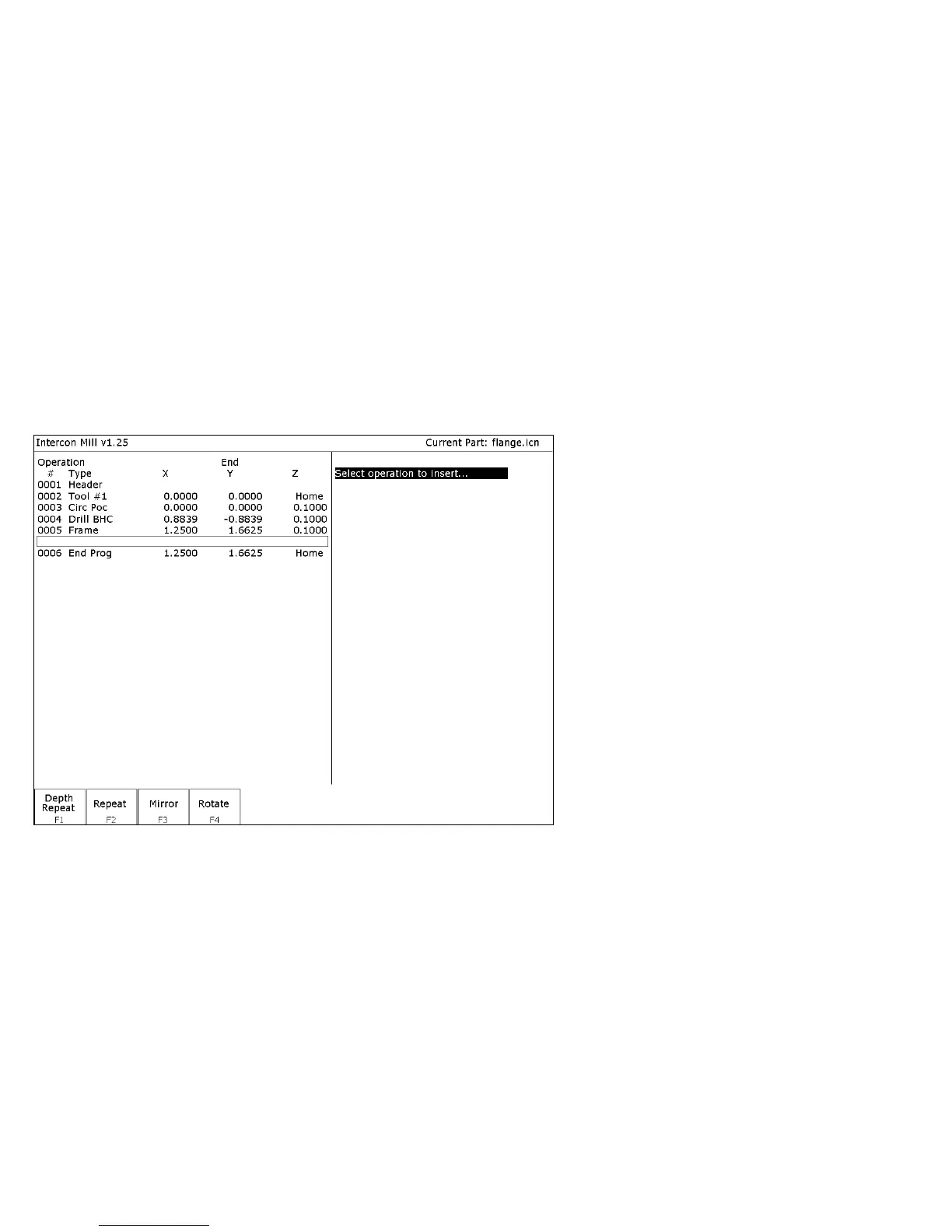
When you press F9 - Subpgm from the Insert Operation screen you will see the Insert Subprogram screen:
You may now select the type of subprogram desired.



 To Next Page