M-Series Operator’s Manual 4/9/15
Machine Parameters
(F3 - Parms from Configuration)
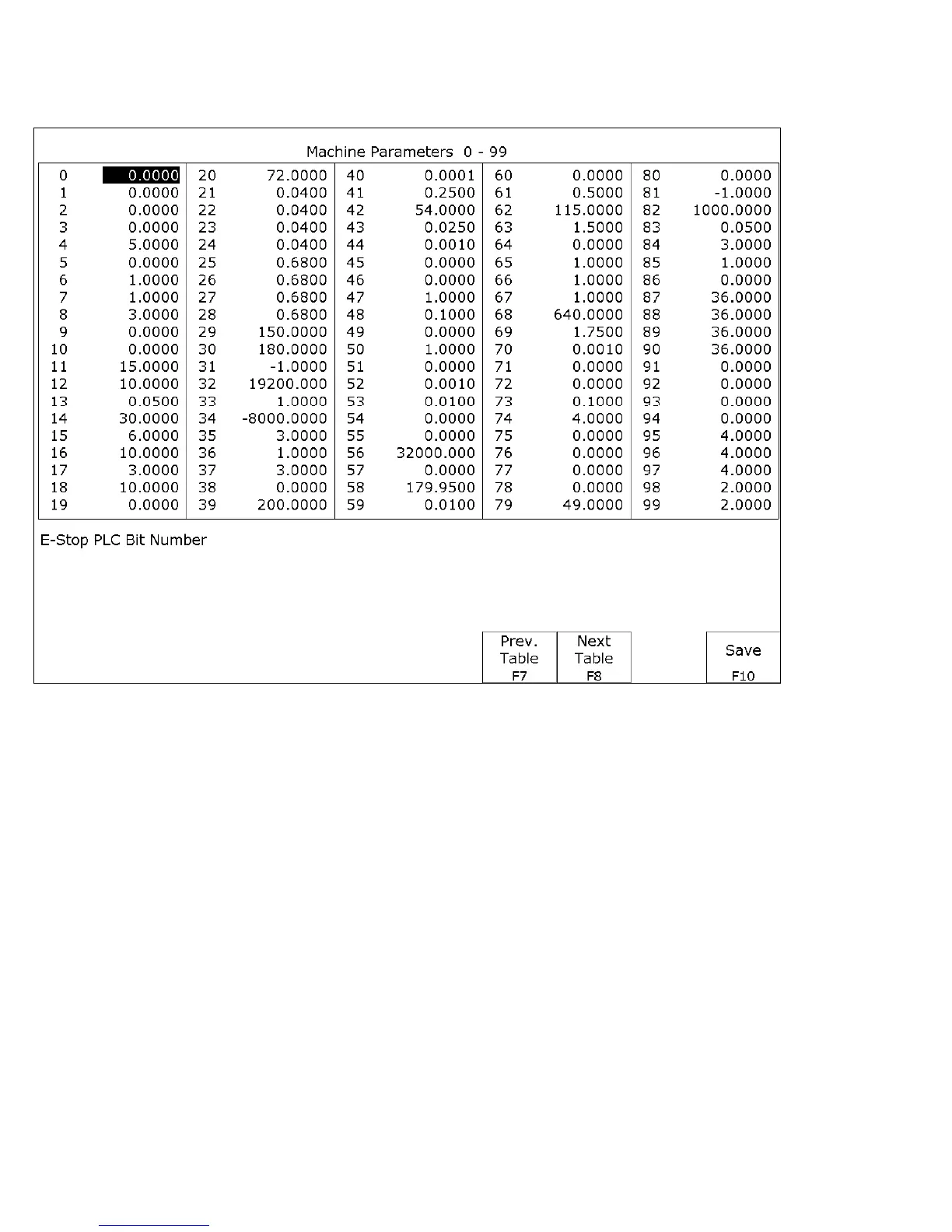
This screen provides you with a method of changing various parameters that are used by the control. Altogether, you
have access to 500 parameters spread across 5 tables. Each table gives you access to 100 parameters at a time. You
can navigate between tables using the following keys: F7-Previous Table and F8-Next Table. The title at the top
tells you which table you are on. If you wish to change a field in the table, use the arrow keys to move the cursor and
select the desired field. A short description of the parameter will appear below the table. Type the new value and
press ENTER. When you are done editing the fields, press F10-Save to accept any changes you have made and save
them. Note that F10-Save is a single operation that will save all changes in every table that you modified. Pressing
ESC will discard all changes in every table that were modified and will return to the previous menu [Setup].
● NOTE: Many machine parameters can also be set with the G10 G-code or by #variable assignment.



 To Next Page