M-Series Operator’s Manual 4/9/2015 10-1
Chapter 10
Intercon Software
Introduction
Intercon (Interactive Conversational) software allows you to quickly create a part program right at the control without
having to be a G-code expert. Intercon will prompt you to enter values from your print that describes the geometry of
the part. Intercon will display graphics of the part as you are creating it, helping you quickly proceed through part
programming. Intercon can then generate a G-code program from the geometric information you have entered.
You can purchase an offline version of the Intercon software for use on your desktop PC. You will need to purchase a
hardware key, which will allow the offline version to run. Simply plug the key into the computer, install the required
drivers, and run it.
Intercon Main Screen
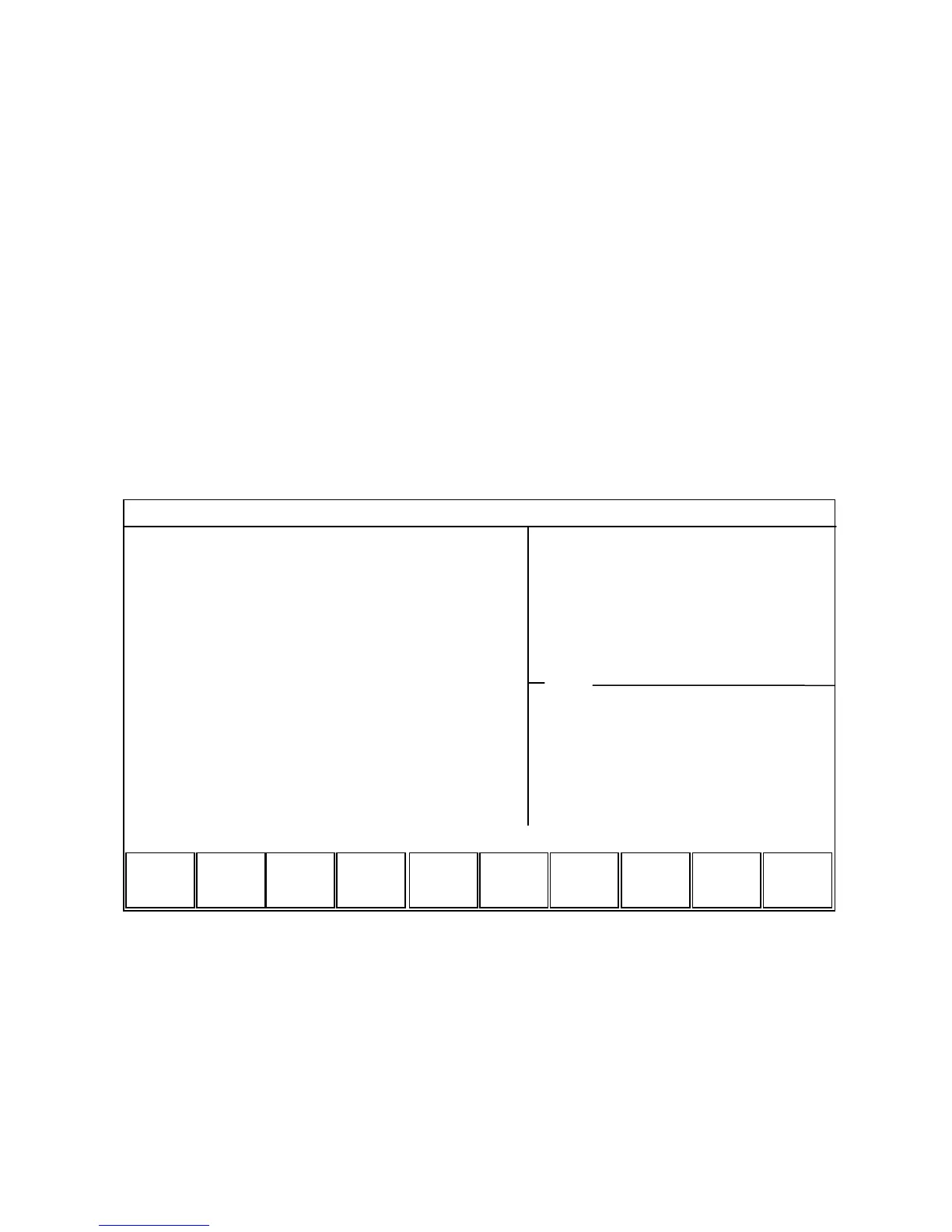
When you access Intercon through the F5 - CAM option in the CNC software Main screen, the part program will be
displayed if the current job loaded in CNC software had an associated Intercon program. If the job file in the CNC
software did not have an associated Intercon program, the F1 - File menu will be displayed to load or create a file.
When the part program is displayed, different operations can be navigated and highlighted for additional actions by
using the arrow keys, and the HOME, END, PAGE UP and PAGE DOWN keys.
Intercon Mill
Intercon Mill Intercon Mill
Intercon Mill
Current Part: Flange.icn
Current Part: Flange.icn Current Part: Flange.icn
Current Part: Flange.icn
File
FileFile
File
Modify
ModifyModify
Modify
Menus..
Menus..Menus..
Menus..
Paste
PastePaste
Paste
Insert
InsertInsert
Insert
Cut
CutCut
Cut
Copy
CopyCopy
Copy
Graph
GraphGraph
Graph
Post
PostPost
Post
Setup
SetupSetup
Setup
;Motor Flange
;Motor Flange;Motor Flange
;Motor Flange
Tool #1
Tool #1Tool #1
Tool #1
Circ Poc
Circ PocCirc Poc
Circ Poc
Drill BHC
Drill BHCDrill BHC
Drill BHC
Frame
FrameFrame
Frame
End Prog
End ProgEnd Prog
End Prog
0.1000
0.10000.1000
0.1000
0.1000
0.10000.1000
0.1000
0.1000
0.10000.1000
0.1000
Home
Home Home
Home
0.0000
0.00000.0000
0.0000
1.6070
1.60701.6070
1.6070
4.1250
4.12504.1250
4.1250
4.1250
4.12504.1250
4.1250
0.0000
0.00000.0000
0.0000
1.0607
1.06071.0607
1.0607
3.2500
3.25003.2500
3.2500
3.2500
3.25003.2500
3.2500
0002
00020002
0002
0003
00030003
0003
0004
00040004
0004
0005
00050005
0005
0006
00060006
0006
Operation End
Operation End Operation End
Operation End
# Type X Y Z
# Type X Y Z # Type X Y Z
# Type X Y Z



 To Next Page