M-Series Operator’s Manual 4/9/15
DSP Probe Configuration
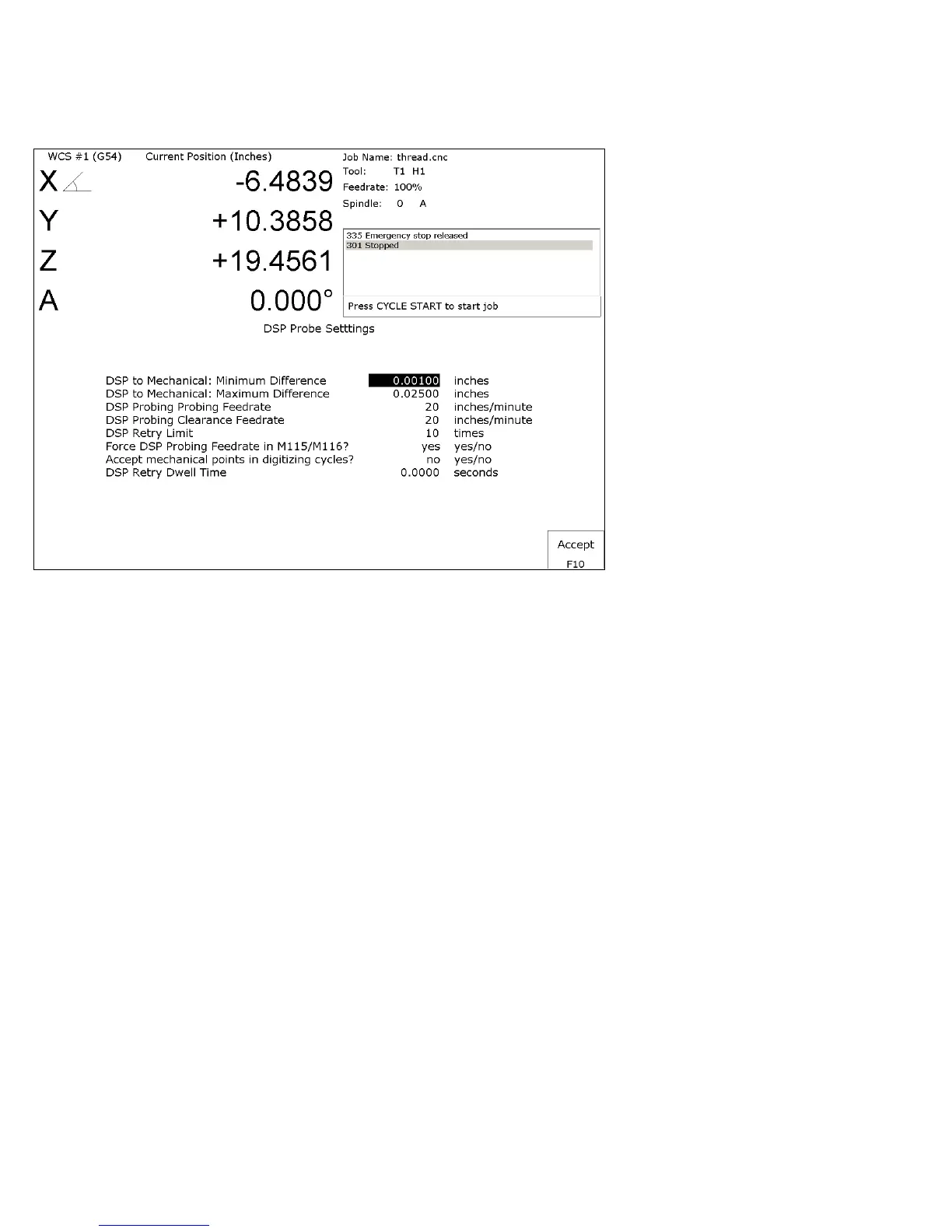
Pressing F7 – DSP Probe from the configuration screen will display the DSP Probe configuration. Note that this menu
is available only for DSP probes (Parameter 155=1).
Minimum Difference:
Default - 0.001 inches. The minimum difference between mechanical and reported DSP position.
Maximum difference:
Default - 0.025 inches. The maximum difference between mechanical and reported DSP position.
DSP Probing feedrate:
Default – 20. The feedrate to use for DSP probing moves.
DSP Probing Clearance feedrate:
Default – 20. The feedrate to use for DSP probing Clearance moves.
DSP Retry Limit:
Default - 10 times. The maximum number of tries to achieve a passing window.
Force DSP probing feedrate in M115/M116:
Default - Yes. This forces the DSP feedrate for M115/M116 (recommended) rather than using the feedrate
specified in an F command.



 To Next Page