M-Series Operator’s Manual 4/9/15
6-1
Chapter 6
Running a Job
To start the currently loaded job, go to the Main Screen and press the CYCLE START button on the jog
panel. If your control is not equipped with a jog panel, press ALT-S on the keyboard.
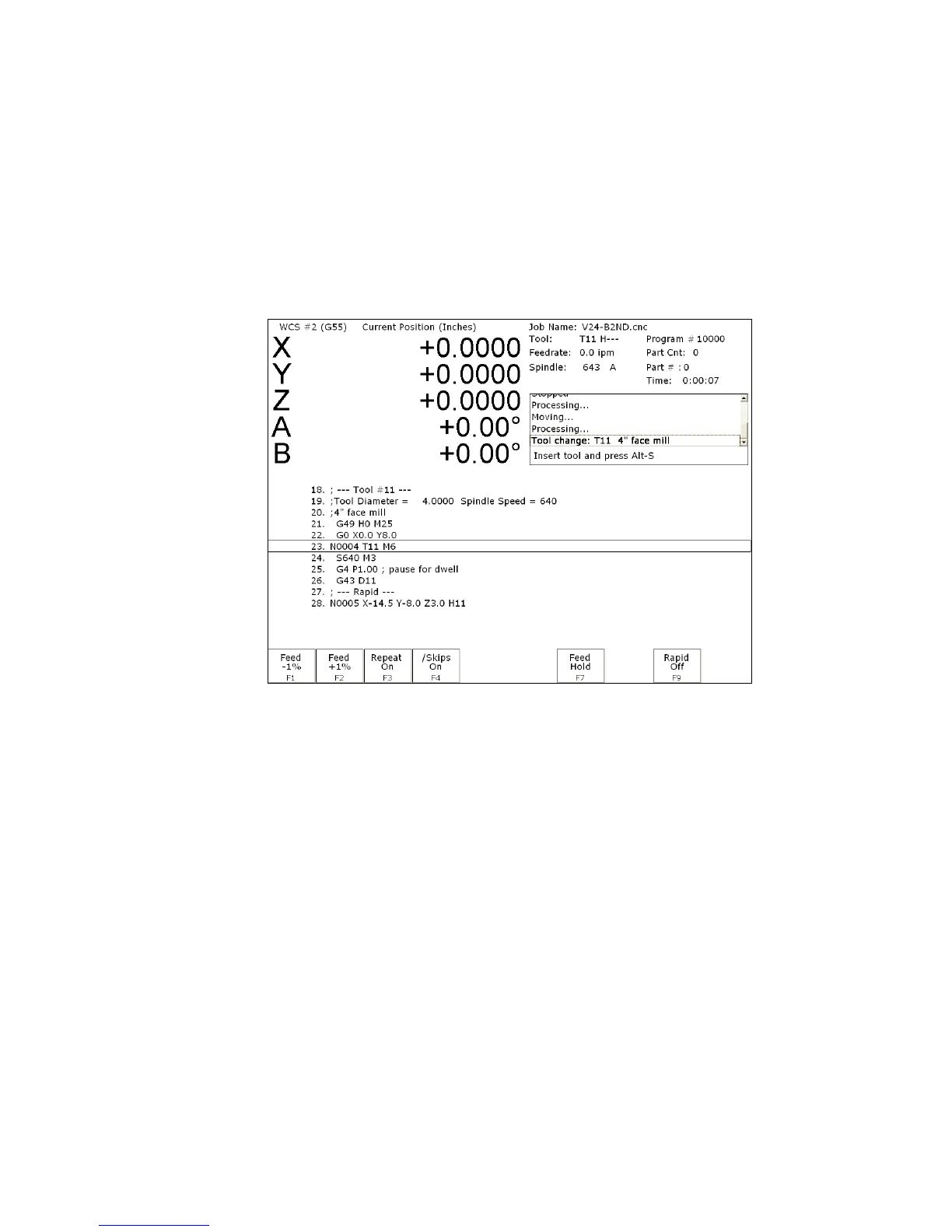
Active Job Run Screen with G-code Display
If the Run-Time Graphics option is set to Off, the following screen is displayed while a job is running:
On this screen, the following F-keys are available:
F1 – Feed (-1%)
Decrease feedrate override by 1%. (Available only if keyboard jogging is active.)
F2 – Feed (+1%)
Increase feedrate override by 1%. (Available only if keyboard jogging is active.)
F3 – Repeat On/Off
Toggle the repeat feature for part counting. For more information, see F3 under the
Run Menu section later in this chapter.
F4 – Skips On/Off
Enable/Disable block skips. For more information, see F4 under the Run Menu
section later in this chapter.
F5 – Auto
This key will only appear in Single Block mode. When you press this key, it turns
on Auto mode and disables Single Block mode. Once Auto mode is turned on,
Single Block cannot be re-enabled unless you stop the job. For more information,
see F5 under the Run Menu section later in this chapter.
F6 – Stops off
This key will only appear if Optional Stops is on. When you press this key, it turns
off Optional Stops. Once Optional Stops is turned off, it cannot be re-enabled
unless you stop the job. For more information, see F6 under the Run Menu section
later in this chapter.
F7 – Feed Hold
Turn feed hold on/off. (Available only if keyboard jogging is active.)
F8 – Graph
Switch to run-time graphics screen. This key only appears if the job was started with
the run-time graphics option turned on.
F9 – Rapid On/Off
Turn rapid override on/off.
For information on other keys that are available while a job is running, see Chapter 2.



 To Next Page