M-Series Operator’s Manual 4/9/15
10-45
Math Help
Intercon provides a math assistance function to solve the trigonometric problems common in part drawings. To enter
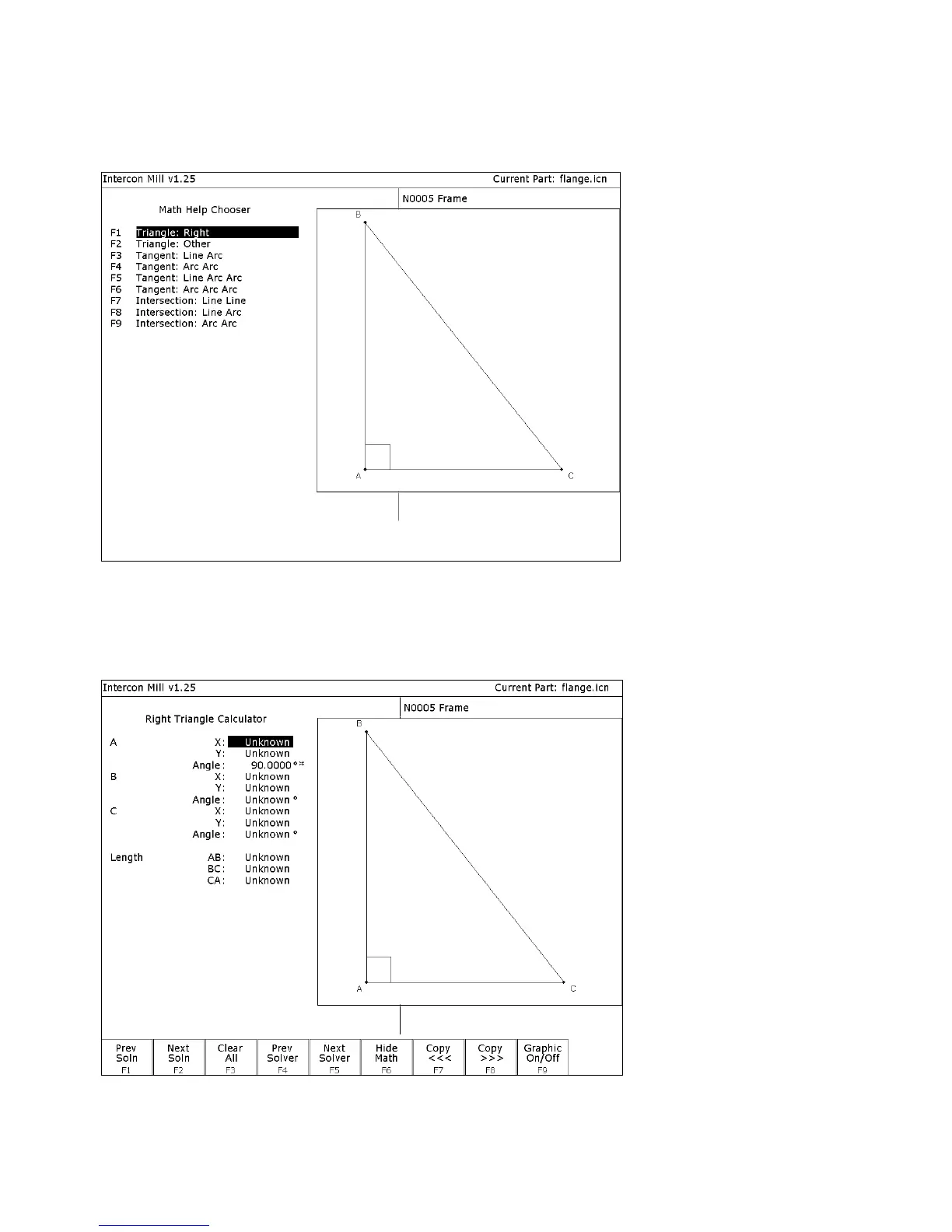
Math Help, press F6 - Math Help from any Edit Operation screen. The first time that you invoke Math Help, the
following screen appears which shows all available solvers:
The figures on the right are a graphical representation of the highlighted solver on the left. Pressing ENTER key will
display another menu that has various fields particular to the type of problem that is being solved. The graphic below
displays the Right Triangle Calculator menu. The options that are available on the function keys are the same for
every type of math help solver and perform the following operations:



 To Next Page