M-Series Operator’s Manual 4/9/15
7-1
Chapter 7
The Utility Menu
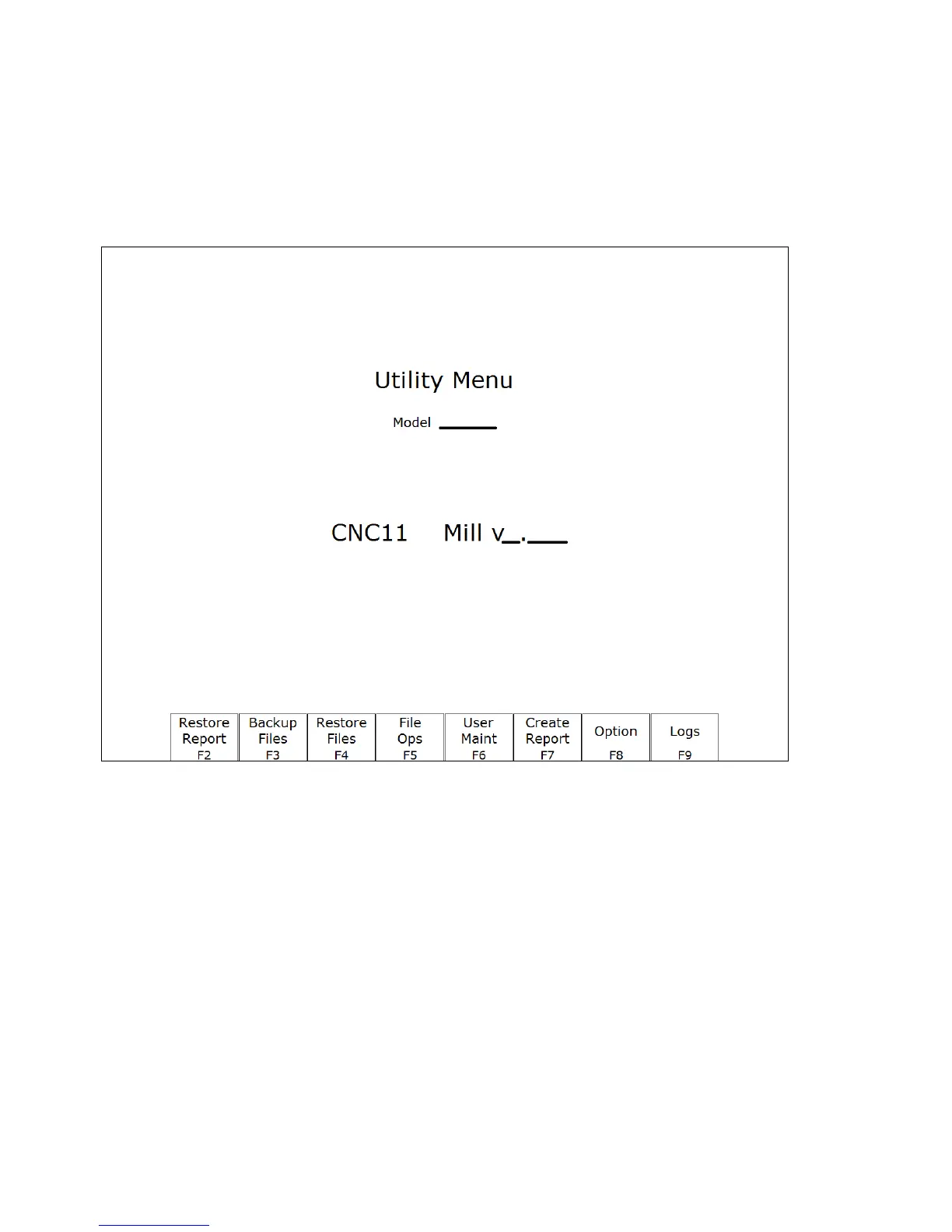
To get to the Utility Menu, press F7 - Utility at the CNC software Main Screen. The model will vary depending on
your M-Series Control model.
F2 – Restore Report This option is used primarily for restoring a system configuration from a previously
saved report.zip file (See F7 – Create Report).
F3 – Backup Files This creates an archive file “cnc_backup.zip” containing CNC program files, Intercon
part program files, MillWrite engraving files, and digitized output files from the following
directories and their subdirectories: ncfiles directory, c:\intercon, c:\mw, and any other
directories mentioned in the pathm.ini configuration file.
F4 – Restore Files Use this option to restore the data previously backed up with F3 – Backup Files. (Note
that this feature will not work with backups created by control software prior to version 3.04.)



 To Next Page