M-Series Operator’s Manual 4/9/15 2-4
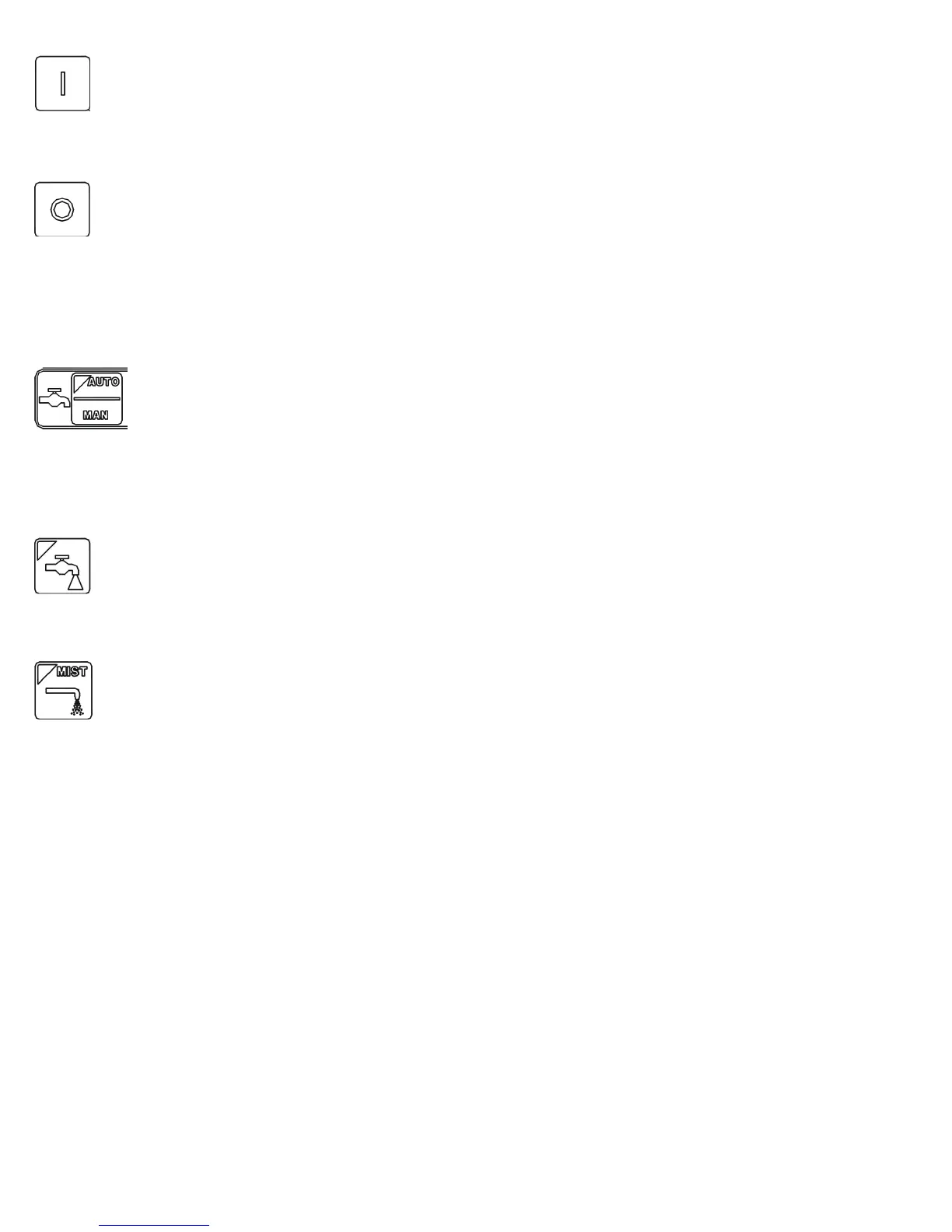
Spin Start
Press the SPIN START key when manual spindle mode is selected to cause the spindle to start rotating. Press SPIN
START when automatic mode is selected to restart the spindle if it has been paused with SPIN STOP.
Spin Stop
Press the SPIN STOP key when manual spindle mode is selected to stop the spindle. Press SPIN STOP when
automatic mode is selected to pause spindle rotation and can be restarted with SPIN START.
NOTICE
SPIN STOP should only be pressed during FEED HOLD or when a program is NOT
running.
Coolant Auto/Manual
This key will toggle between automatic and manual control of coolant. In automatic mode, M7 (Mist) and M8 (Flood)
can be used in G-code programs to select the coolant type to be enabled. In manual mode, flood coolant and mist
coolant are controlled by separate keys. Note: When switching from automatic to manual mode, both flood and mist
coolants are turned off automatically.
Coolant Flood
In manual coolant control mode, flood coolant can be toggled off and on by pressing this key. The LED will be on
when flood control is selected in either automatic or manual mode.
Coolant Mist
In manual coolant control mode, mist coolant can be toggled off and on by pressing this key. The LED will be on
when mist control is selected in either automatic or manual mode.
Auxiliary Function Keys (AUX1 – AUX12)
The M-Series jog panel has nine auxiliary keys, some of which may be defined by customized systems.
Notes about operator panels
The behavior of the control system in response to the functions listed above for the M-Series jog panel is dependent
upon optional software options, the PLC program, machine parameters, and hardware wiring of the system. It is
possible that the functioning explained in this chapter does not apply to a particular control system or that it may differ
in some aspects.



 To Next Page