M-Series Operator’s Manual 4/9/2015 10-9
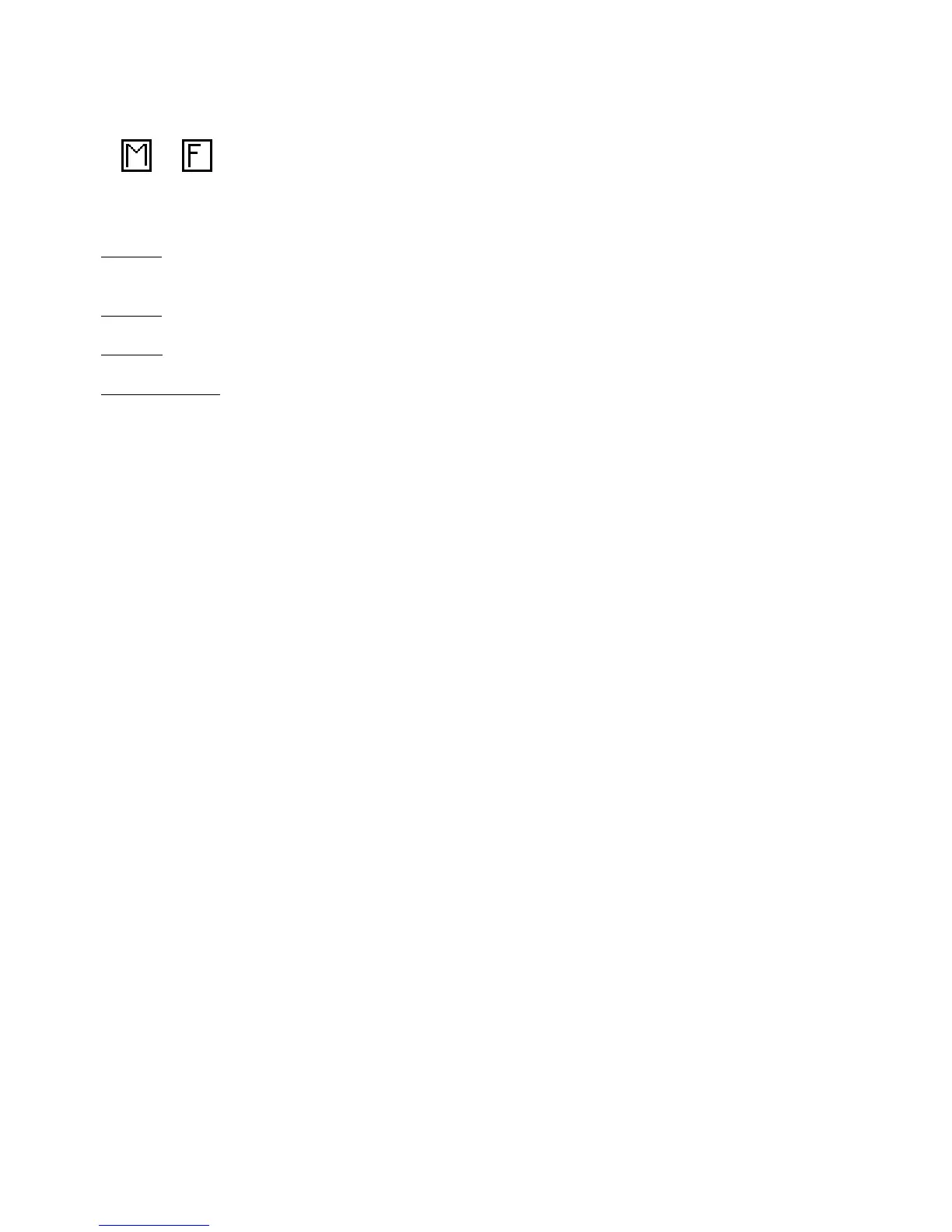
The feedrate can be toggled to modal, fixed, or slave. This is indicated by the symbol beside the feedrate field. If the
feedrate is modal then it will have the “M” symbol or if it is fixed it will have the “F” symbol shown below. The slave
feedrate has no symbol and is set to the last modal feedrate set in the program, when the modal feedrate changes all the
following slave feedrates change until the next modal feedrate is encountered.
If you have a fourth axis installed and it is rotary, additional fields are shown for Linear Mill operations after the
feedrate field.
Degrees: The number of degrees you want to move the rotary axis. This value can be positive or negative and the
movement of the rotary axis will depend on the orientation of the axis.
Minutes: The number of minutes you want to move the rotary axis. Values for this field are between 0 and 59.
Seconds: The number of seconds you want to move the rotary axis. Values for this field are between 0 and 59.
Decimal degrees: This is another method of entering the number of degrees. If you choose to enter the movement of
the rotary axis with the fields listed above, the value of this field will be calculated automatically. If you choose to
enter the number of degrees with this field or make changes to it, then the degrees, minutes and seconds will be
calculated or changed automatically. Values for this field can be positive or negative.
Rotary movement defaults to zero degrees, incremental. To enter an absolute (rather than incremental) rotary position,
you must press F1 - Abs/Inc to toggle to absolute.



 To Next Page