46
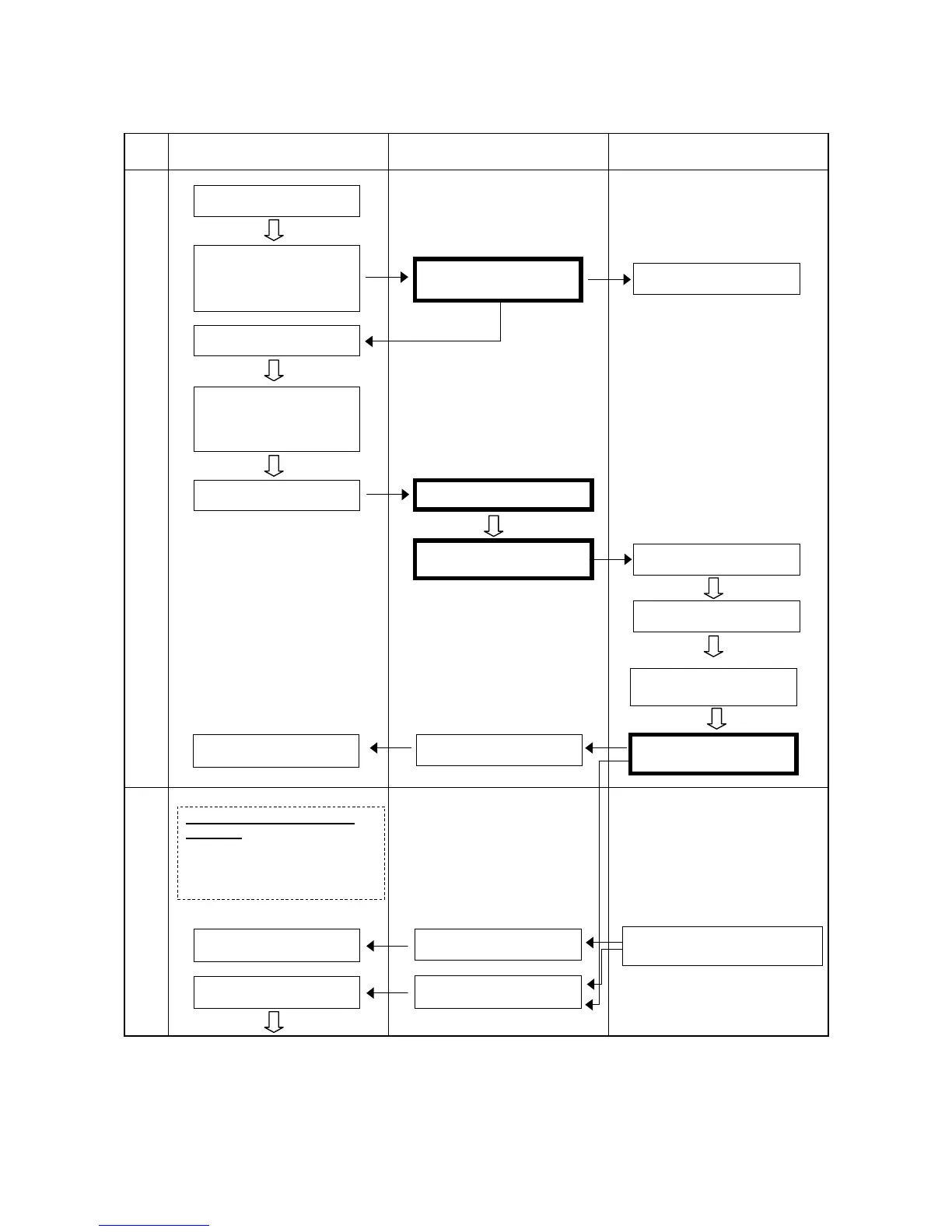
Start and Stop Procedure and System I/O Signals-1
Step
Worker’s operation and display on
equipment’s operation panel
PLC processing Robot operation
(a) Operation preparation
(b) Operation start area check
(Continued on following page)
Equipment power ON
Setting
operation/adjustment
selector switch to
operation
Enable Auto ON
Operation OK indicator
ON
Setting Mode selector
switch of the teach
pendant or the
mini-pendant to AUTO
Robot preparation
button ON
(Note 1)
Command area input ON
Executing Operation
Preparation command
Setting SP100
Robot external running
OK indicator ON
Switching mode to
external mode
(Internal processing)
Operation Preparation
Com
nal ON
Robot external running OK
indicator
Run the user program for moving
robot arm close to the home
position, when the robot home



 To Next Page