47
(Continued from preceding page)
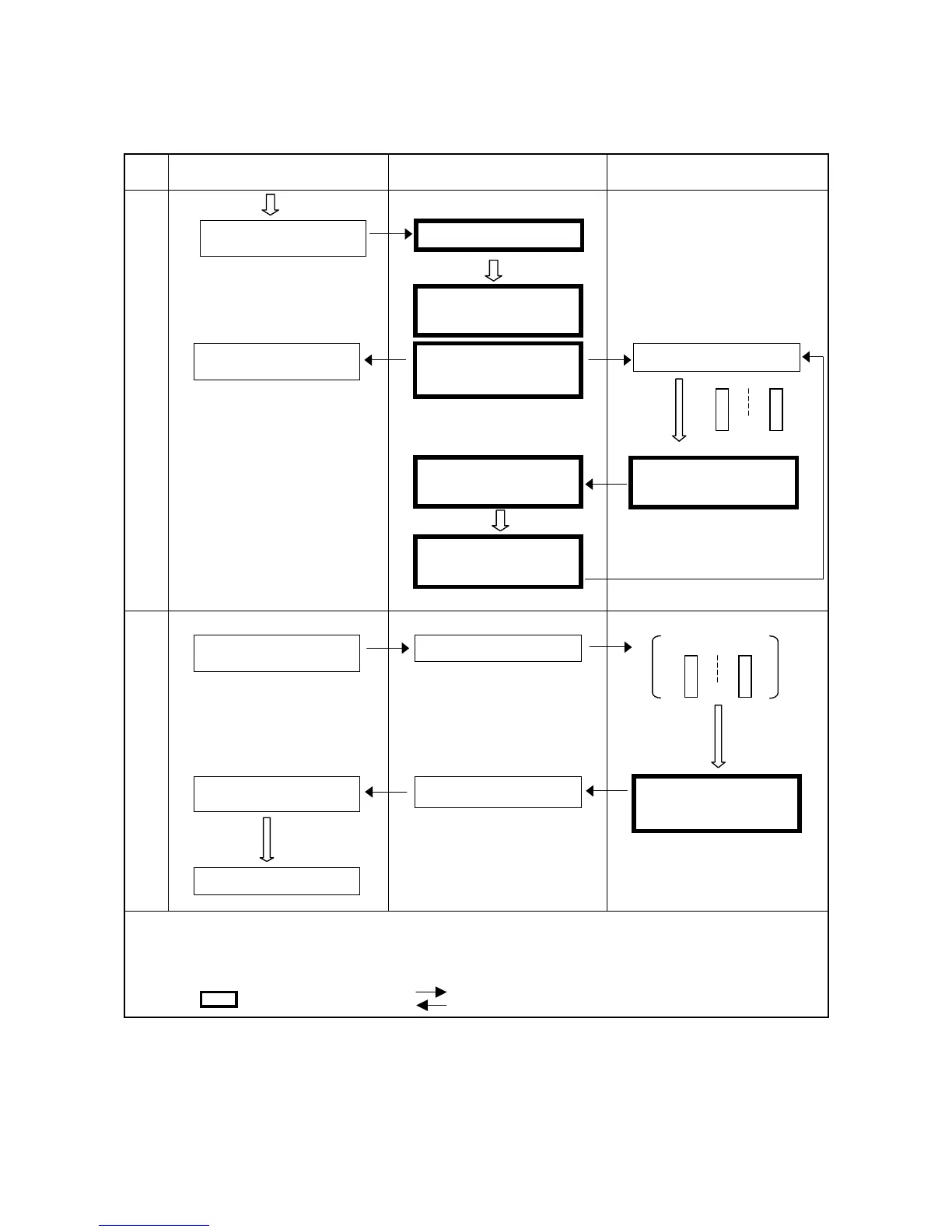
Start and Stop Procedure and System I/O Signals-2
Step
Worker’s operation and display on
equipment’s operation panel
PLC processing Robot operation
(c) Automatic operation
(Note 2)
(d) Operation end
Note 1: Refer to Section 3.5.3.2, "OPERATION PREPARATION (000)."
Note 2: Refer to Section 3.5.3.4, "PROGRAM START (010)."
Note 3: Symbol signification
: System I/O signal : Flow of signal
Equipment’s Automatic
Start Button ON
Executing Program
Operation Command
(Program start)
Automatic Operation
indicator ON
Program Number
selection
Program start
command ON
Equipment power OFF
(Internal processing)
Robot Running signal
OFF
Equipment’s Cycle
Stop button ON
Automatic operation
indicator OFF
Data area input ON
Robot Running signal
OFF
Re



 To Next Page